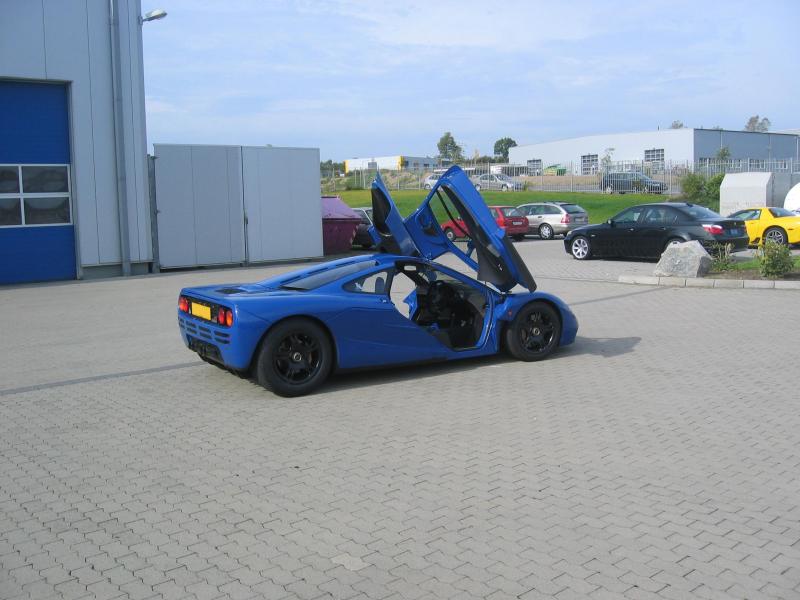
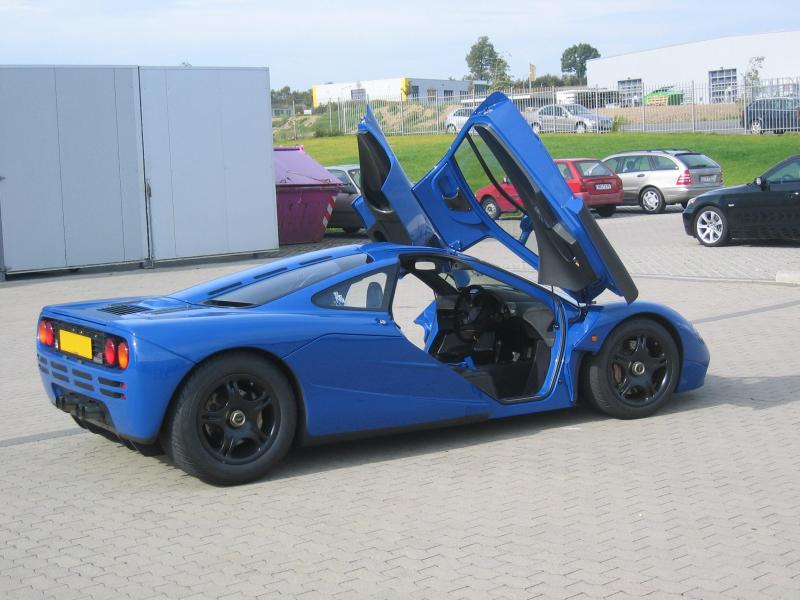
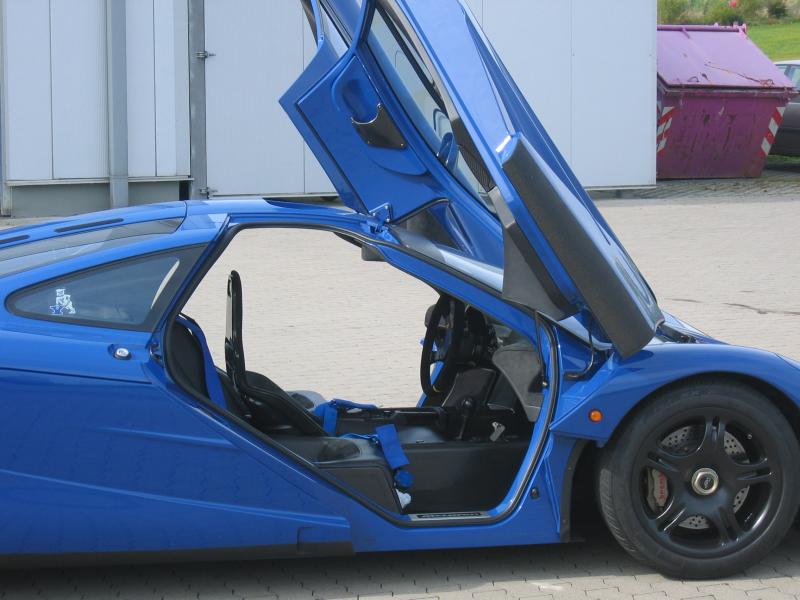
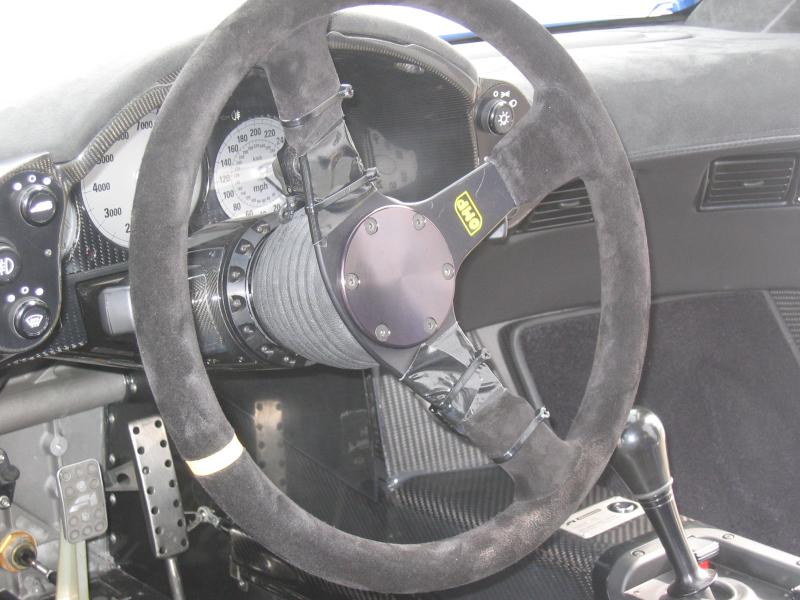
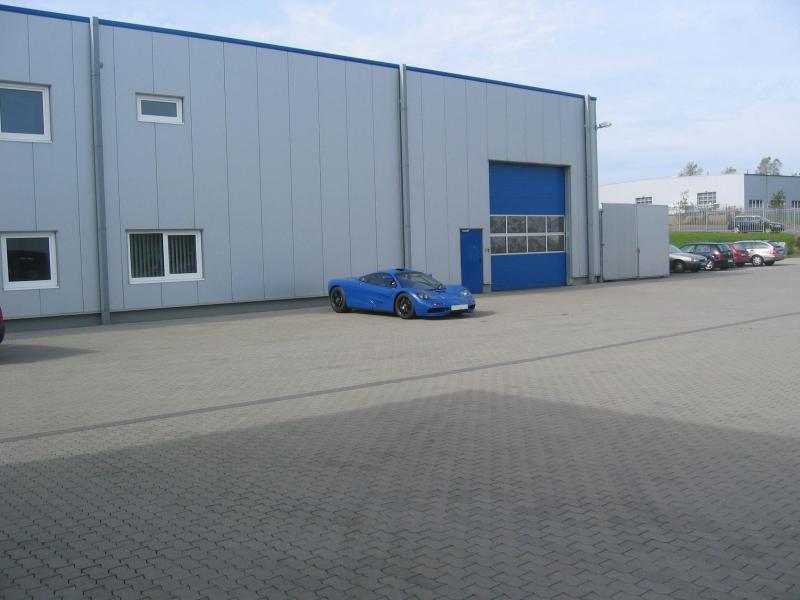
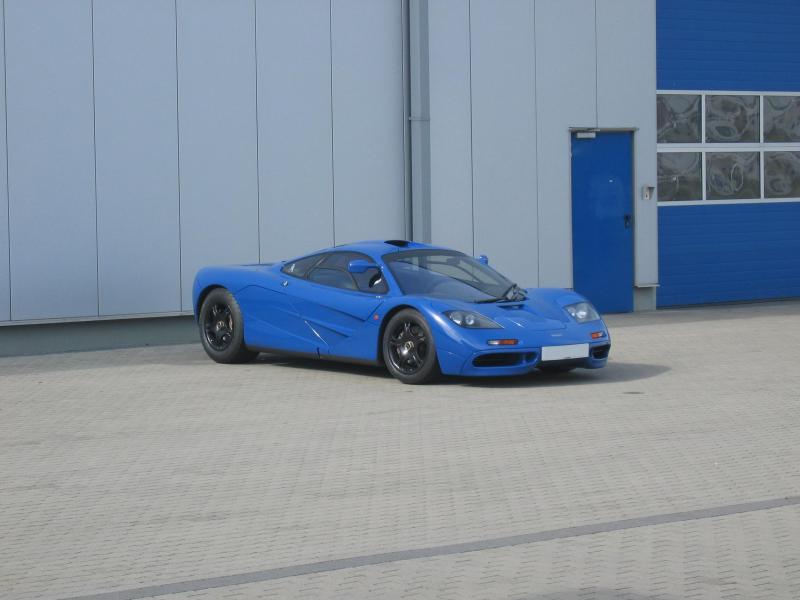
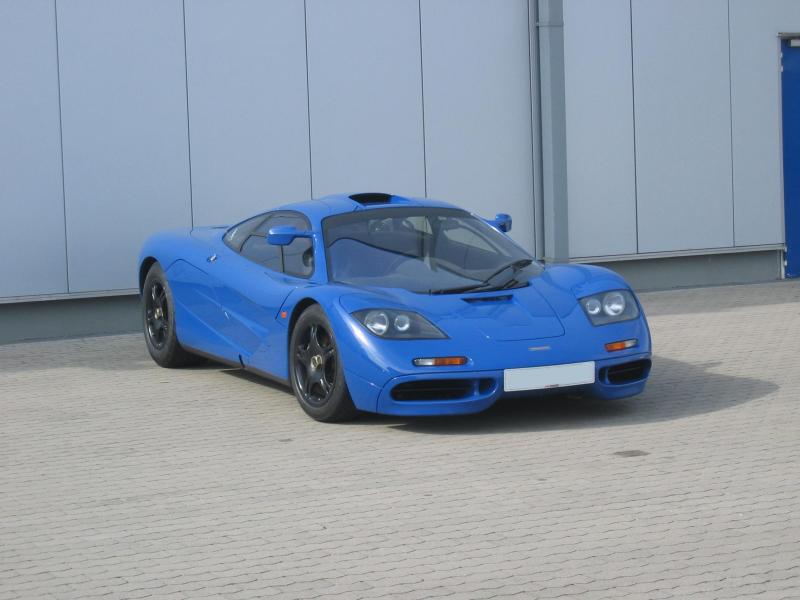
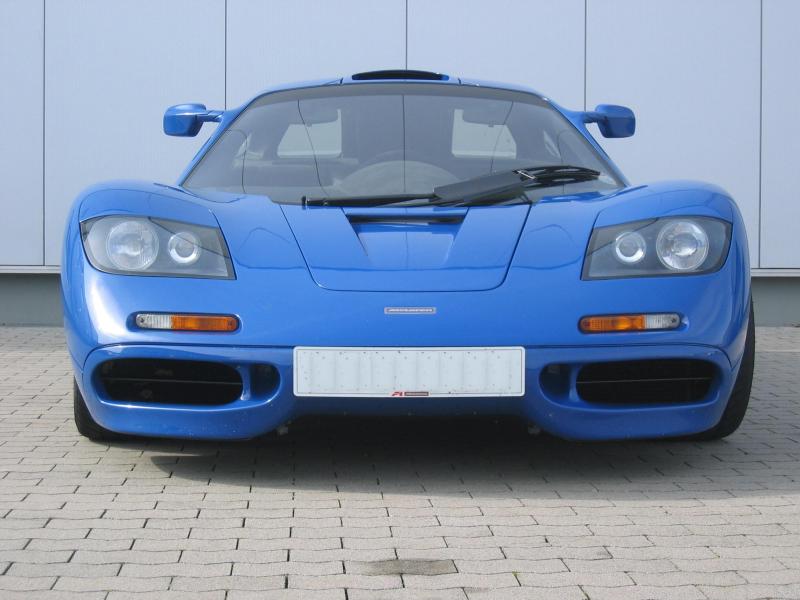
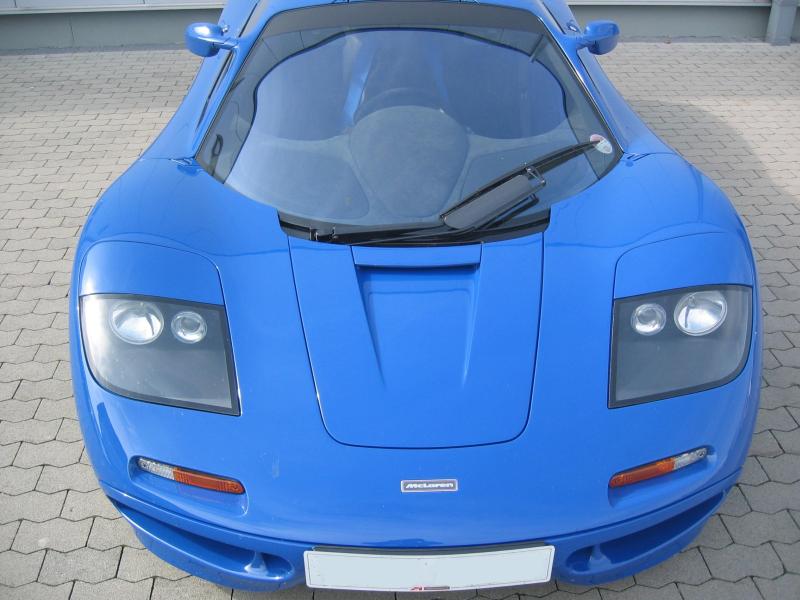
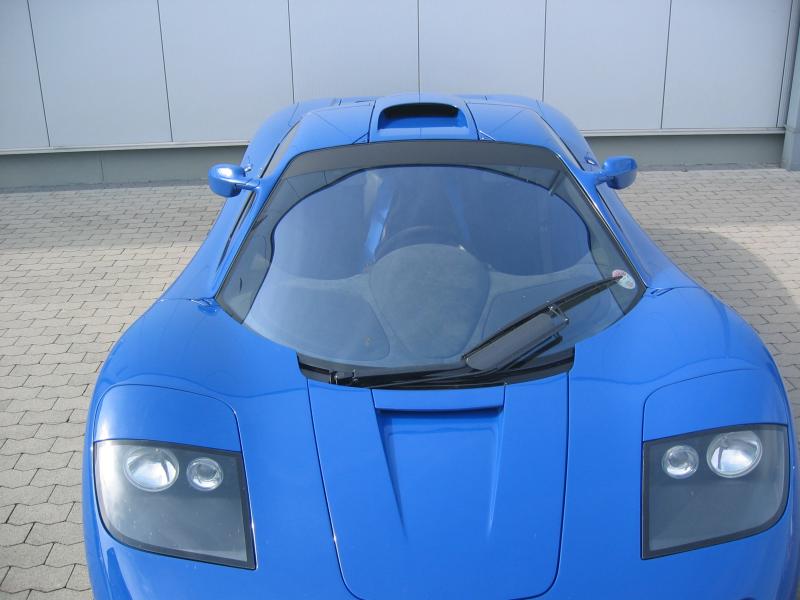
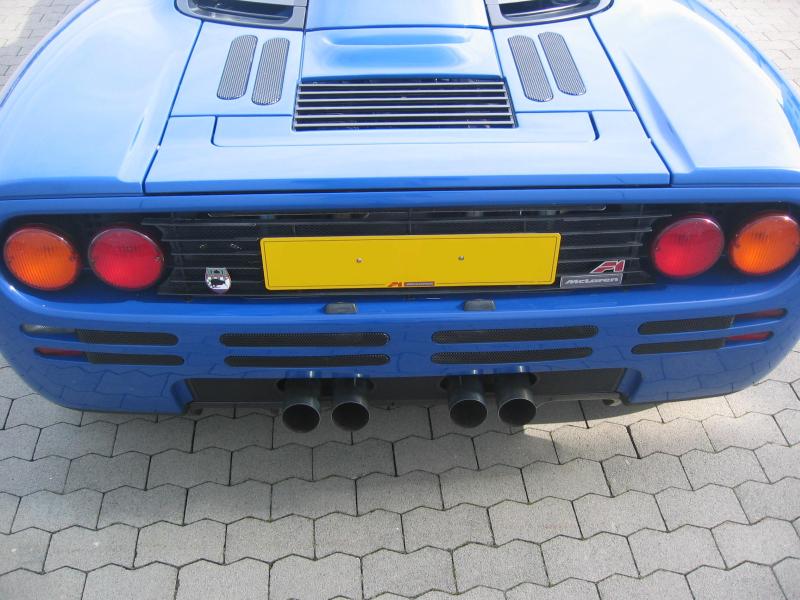
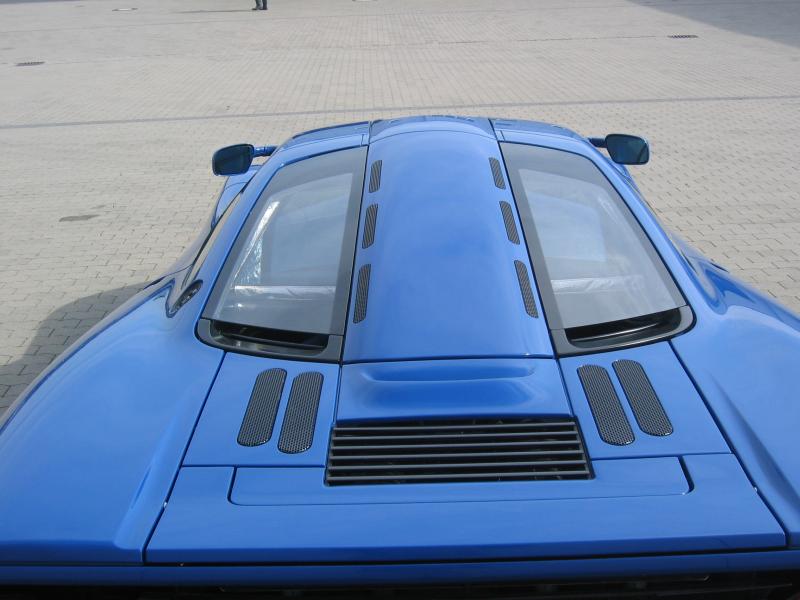
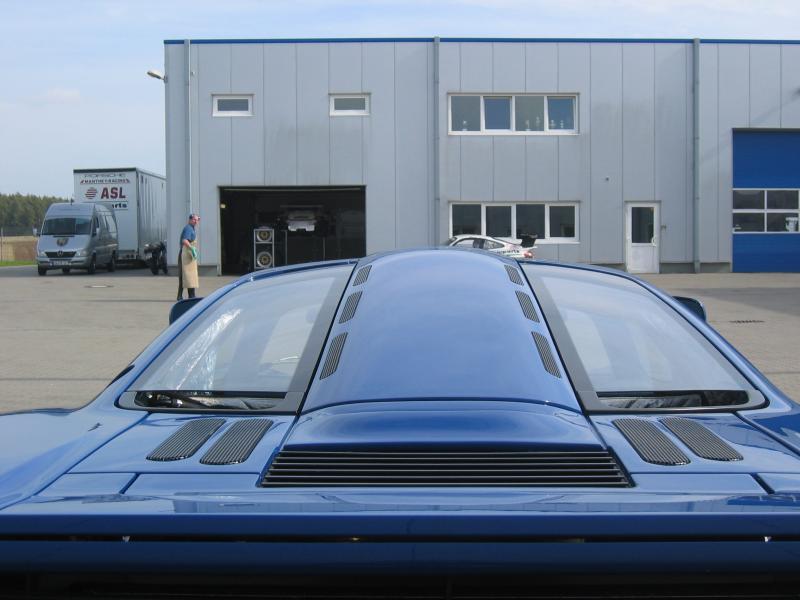
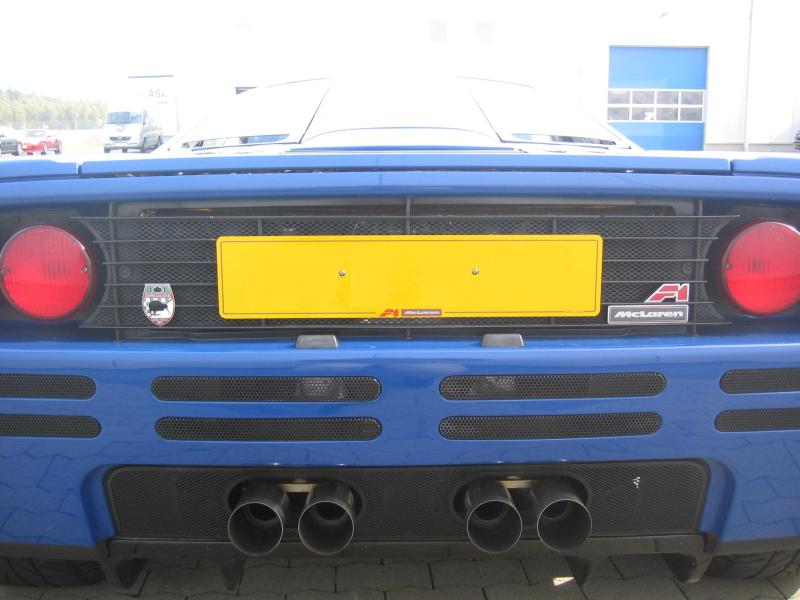
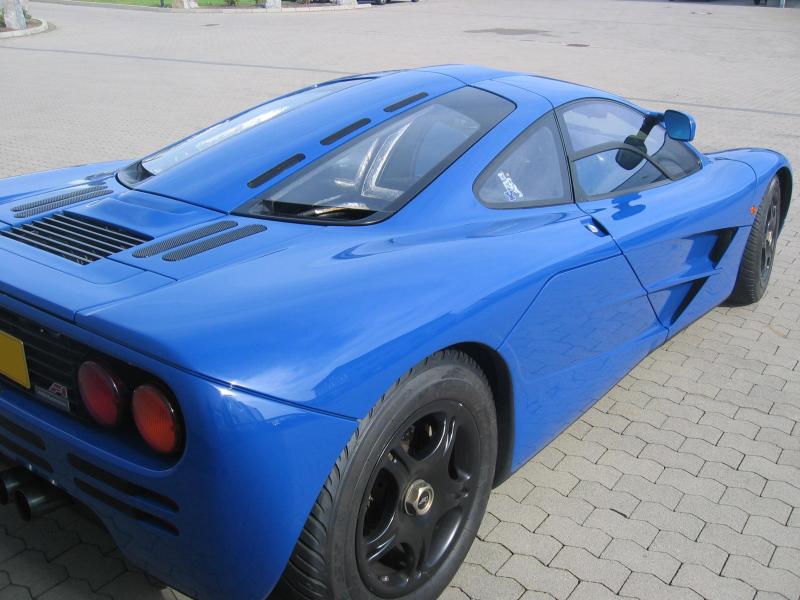
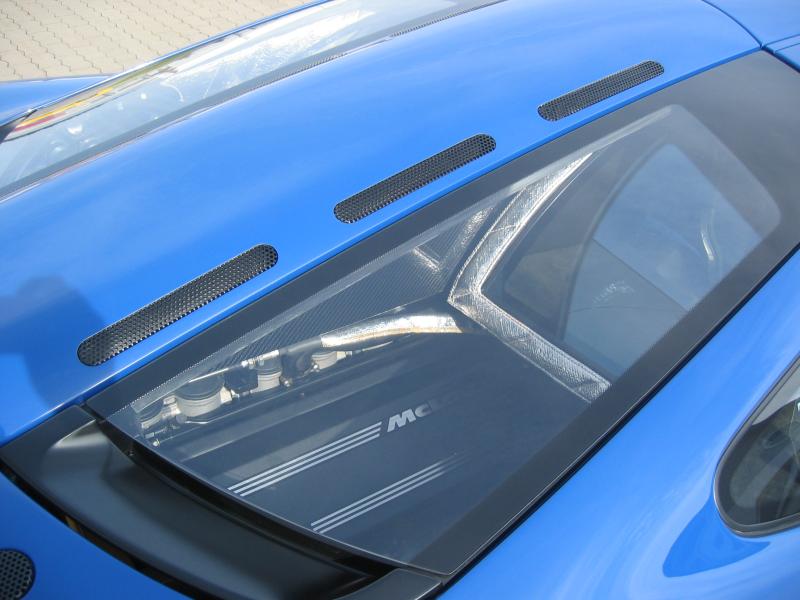
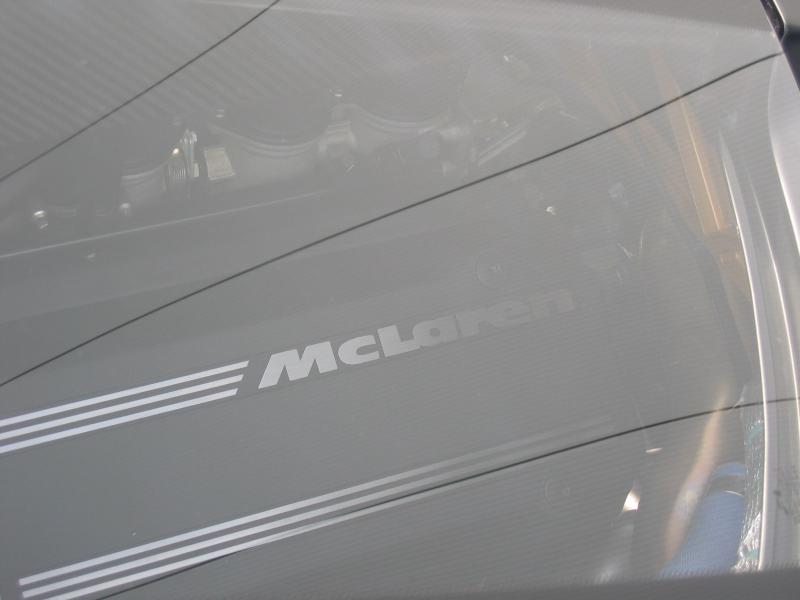
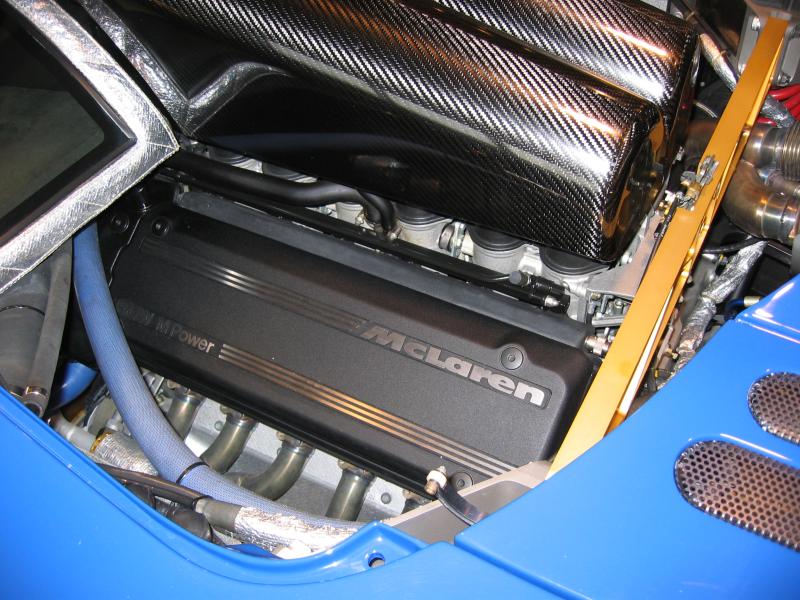
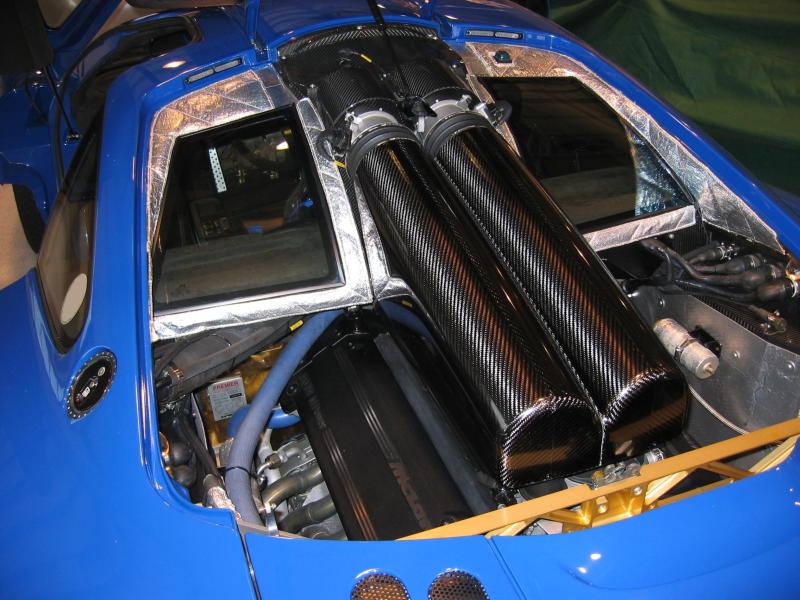
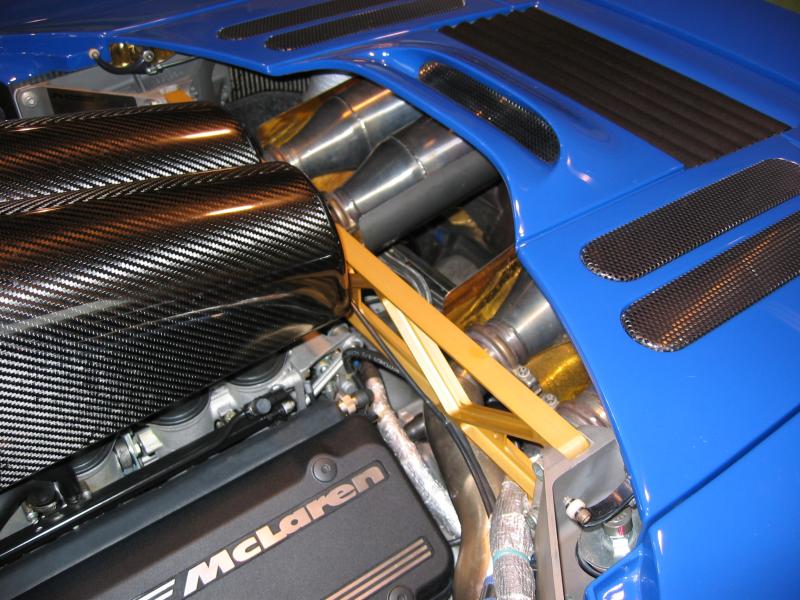
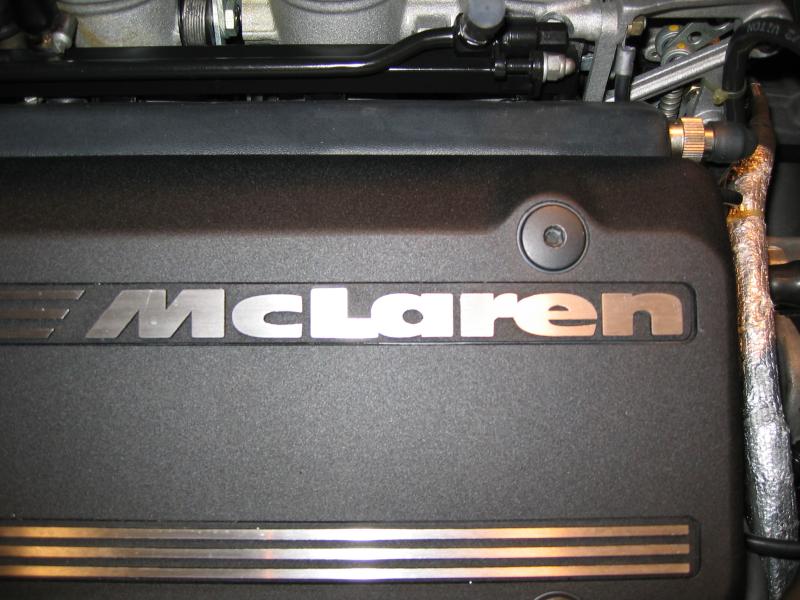
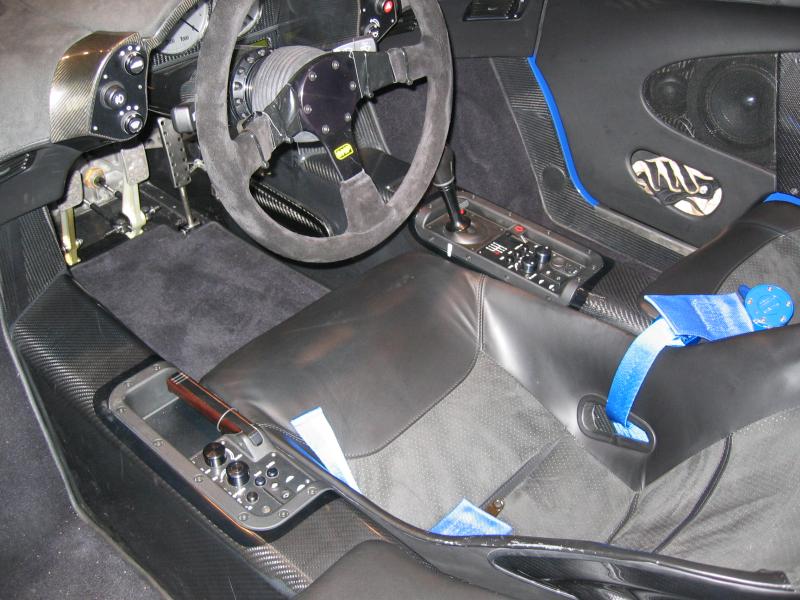
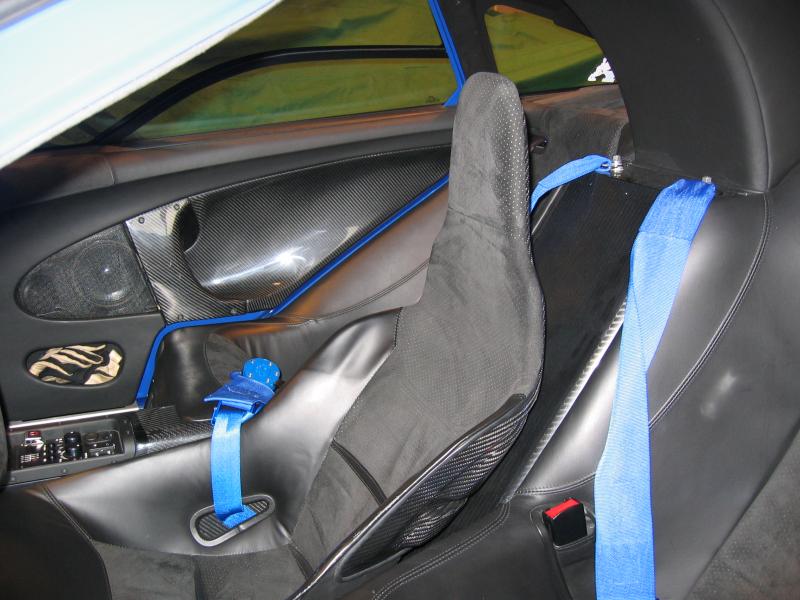
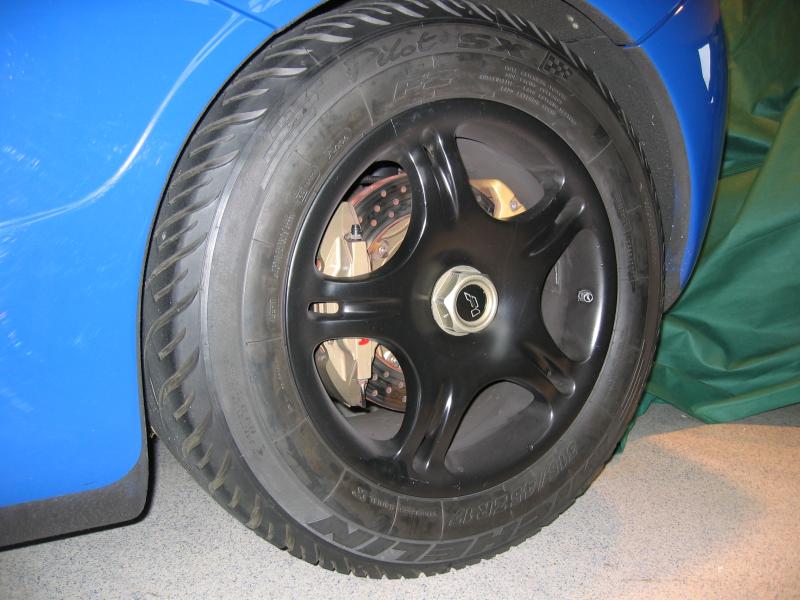
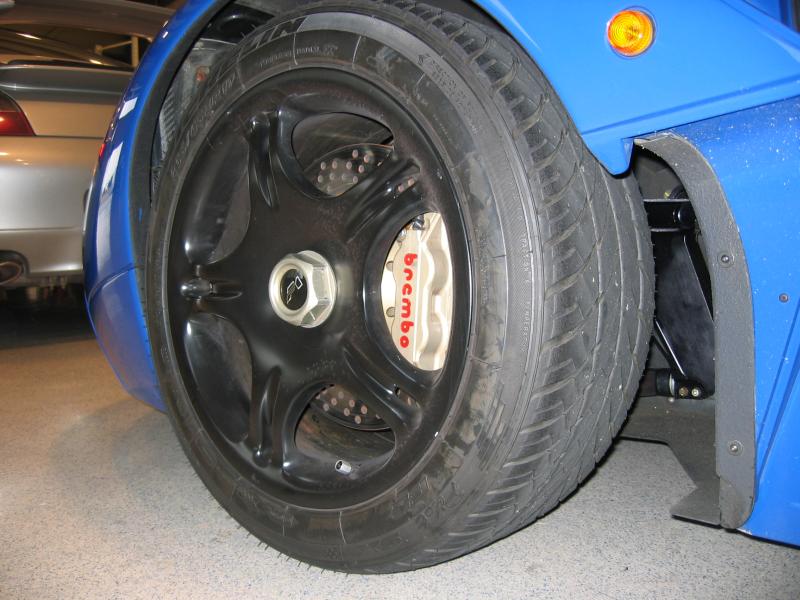
McLaren F1 pictures
Author
Discussion

Joe911

Original Poster:

2,763 posts

256 months

Wednesday 26th January 2005
quotequote all


Hi-res Images

Edited to fix image links and add hi-res link

>>> Edited by Joe911 on Thursday 27th January 08:05

Muncher

12,235 posts

270 months

Wednesday 26th January 2005
quotequote all
I think a change of underwear is required...

rico

7,917 posts

276 months

Wednesday 26th January 2005
quotequote all
I can't see anything...

Muncher - you seem to be susceptible to creaming yourself over cars a lot... try girls... much better

Hugh1

3,692 posts

262 months

Wednesday 26th January 2005
quotequote all
I had the same problem, if you add them all to your favourites (using right button etc etc), then open them all, then come back to this page and they will work.

smele

1,284 posts

305 months

Wednesday 26th January 2005
quotequote all
Here they are:


>> Edited by smele on Wednesday 26th January 20:05

Joe911

Original Poster:

2,763 posts

256 months

Wednesday 26th January 2005
quotequote all
Hugh1 said:
I had the same problem, if you add them all to your favourites (using right button etc etc), then open them all, then come back to this page and they will work.

Why is that, anyone know?
I just copied the URL's from webshots - is that not what I'm supposed to do?
It does that in IE - but is OK in FireFox (how often have I seen that).

FunkyGibbon

3,836 posts

285 months

Wednesday 26th January 2005
quotequote all
Joe911 said:

Hugh1 said:
I had the same problem, if you add them all to your favourites (using right button etc etc), then open them all, then come back to this page and they will work.


Why is that, anyone know?
I just copied the URL's from webshots - is that not what I'm supposed to do?
It does that in IE - but is OK in FireFox (how often have I seen that).

webshots blocks direct links to images hosted on their site. if you go to web shots to see them and then come back here what you see is cached images.

Joe911

Original Poster:

2,763 posts

256 months

Wednesday 26th January 2005
quotequote all
FunkyGibbon said:
webshots blocks direct links to images hosted on their site. if you go to web shots to see them and then come back here what you see is cached images.

So how do I get around that then?

Graham.J

5,420 posts

280 months

Wednesday 26th January 2005
quotequote all
Joe911 said:
So how do I get around that then?
Upload to www.photobucket.com

Joe911

Original Poster:

2,763 posts

256 months

Wednesday 26th January 2005
quotequote all
Graham.J said:

Joe911 said:
So how do I get around that then?

Upload to www.photobucket.com

Except that they limit photo quantity and size.

It's OK, I have another solution in the works ...

rico

7,917 posts

276 months

Wednesday 26th January 2005
quotequote all
Joe911 said:
It's OK, I have another solution in the works ...


Don't worry... i'm uploading them to my server now. Will be posting in about 5mins... they deserve to be shown.

EddyB

172 posts

260 months

Wednesday 26th January 2005
quotequote all
Beautiful

rico

7,917 posts

276 months

Wednesday 26th January 2005
quotequote all
www.riconian.com/ph/mclaren.zip (right click, save as 1.7mb)

All pics in that zip folder

>> Edited by rico on Wednesday 26th January 19:43

-DeaDLocK-

3,368 posts

272 months

Wednesday 26th January 2005
quotequote all
Ahhhh, didja have to compress those JPEGs?

No worries, I'll get 'em myself and host em for the benefit of the F1 fans over on AF. Now they'll LOVE these pics.

This is Flemke's vehicle, right?

>> Edited by -DeaDLocK- on Wednesday 26th January 19:25

rico

7,917 posts

276 months

Wednesday 26th January 2005
quotequote all
-DeaDLocK- said:
Ahhhh, didja have to compress those JPEGs?


I didn't compress them... just batch renamed them in photoshop to make it easier.
the zip file has the files as they were posted originally... with the long file names

-DeaDLocK-

3,368 posts

272 months

Wednesday 26th January 2005
quotequote all
rico said:
I didn't compress them... just batch renamed them in photoshop to make it easier.
the zip file has the files as they were posted originally... with the long file names


Hmmm... something's fishy. Check these two out:

Original (63k):


Yours (66k):


Note the significant JPEG artifacts in the photo on your site. They're pretty obvious when you compare any straight line in the two photos. And the irony is, your photo is actually larger in file size than the original!

Methinks photoshop may be applying (a very inefficient) compression on the photo. Or do you surf using one of the few "speed-up" services around? These will compress the file at source before it gets to you.

D

Edited to add: just noted that if you are running a "speed-up" service or anything that does in-line compression then the pics probably won't look any different to you. But sitting here, and via the screen of anyone with a direct clean link, there's a very significant difference.

I'll get my coat now...

>> Edited by -DeaDLocK- on Wednesday 26th January 19:41

rico

7,917 posts

276 months

Wednesday 26th January 2005
quotequote all
The originals are in the .zip file... just get those..

you try to help and whatcha get...

-DeaDLocK-

3,368 posts

272 months

Wednesday 26th January 2005
quotequote all
rico said:
you try to help and whatcha get...
Sorry.

I'll go away now.

smele

1,284 posts

305 months

Wednesday 26th January 2005
quotequote all
rico said:
The originals are in the .zip file... just get those..

you try to help and whatcha get...


Can't seem to donwload your zip.

rico

7,917 posts

276 months

Wednesday 26th January 2005
quotequote all
smele said:
Can't seem to donwload your zip.

I've just downloaded it... works fine for me. Right click, save as on the link