
Photobox posters 60% off
Discussion


http://www.photobox.co.uk/shop/wall-decor/poster-p...

I've never sent off any of my photos to be printed before, however i'd quite like a few of the more classic car hillclimbing ones done to get an idea of the different sizes on offer.
What can i do at home to prepare the image before sending it to Photobox to print. They are all raws from a 40D. They will need sharpening i imagine. What else should i do?
I have aperture 3 and an older version, (7 or 8) , of photoshop elements.
I'll have a look through and try to find a couple of examples i like and maybe someone could say weather they are good enough to start off with.
Any tips would be great.
Thanks, Mark.
I've never sent off any of my photos to be printed before, however i'd quite like a few of the more classic car hillclimbing ones done to get an idea of the different sizes on offer.
What can i do at home to prepare the image before sending it to Photobox to print. They are all raws from a 40D. They will need sharpening i imagine. What else should i do?
I have aperture 3 and an older version, (7 or 8) , of photoshop elements.
I'll have a look through and try to find a couple of examples i like and maybe someone could say weather they are good enough to start off with.
Any tips would be great.
Thanks, Mark.
Edited by BlueMR2 on Saturday 2nd June 01:16
Thanks! I think it's time to get more posters done.... 
Apart from the usual post processing (including sharpening), the only other thing I'd do before the poster printing is to resize/crop to get the aspect ratio correct. You can crop it online at Photobox, but I prefer to prepare it before uploading.
Apart from the usual post processing (including sharpening), the only other thing I'd do before the poster printing is to resize/crop to get the aspect ratio correct. You can crop it online at Photobox, but I prefer to prepare it before uploading.

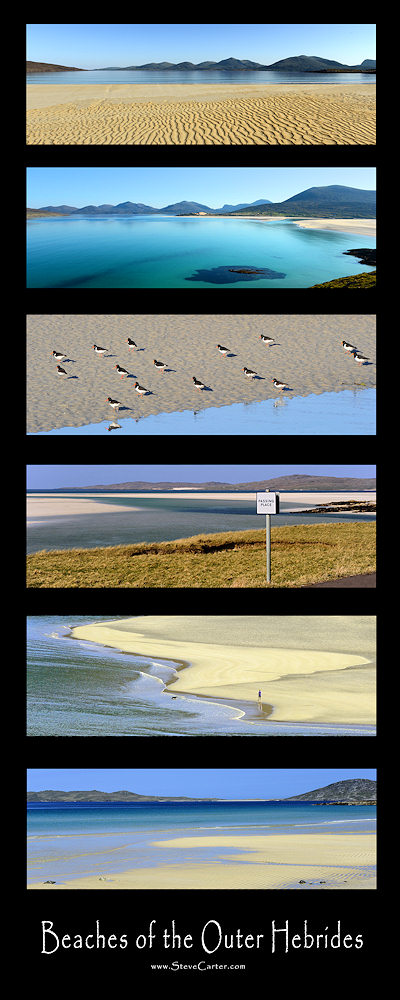
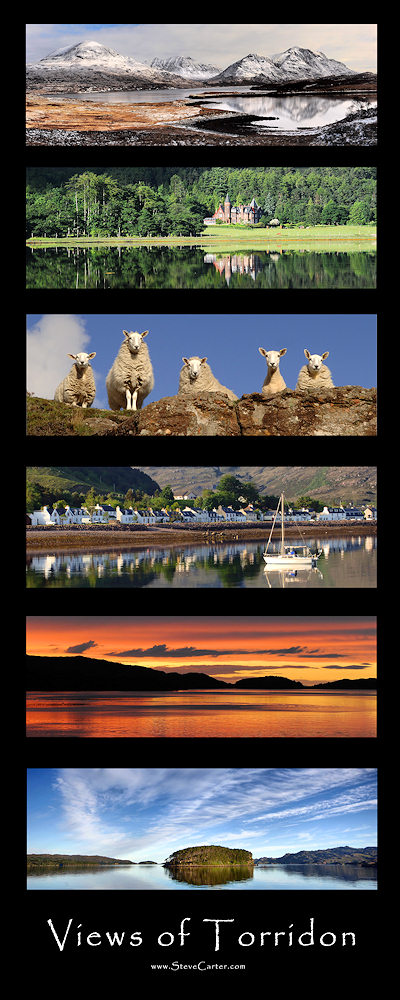
This offer has been extended.
Those 45"x30" beasts do not want to go where you want when they are curled up straight out of the tube.
I noticed when i looked at the jpg version of the RAF helicopter i had printed full size that it is a bit oversharp on the edges but it was too late to change it then, however from a meter or so away you cant really tell unless you know and mounted on a wall you wouldn't notice, however i did a couple of other versions without the edge sharpening and that is better so i will get an a2 print of that to check it out.
Happy with all the 20"x8"s. Unfortunately i had 2 12"x12" prints of a motorbike, one matt and one glossy to gauge the difference between the matt and glossy finish on the exact same picture, unfortunately they have sent me 2 matt versions so i will need to ask them about that and a slight bend on the bottom of the 30"x20" print and what looks like sticker residue on the side edge.
Apart from that though i'm really happy, so i will get onto them about those 2 small problems.
Happy with the A3 and A2 prints i had done.
I now know what they look like on the screen and what they are like printed and also to always check the file outputted for the level of sharpness as it doesn't show up the same in the Aperture screen as it does of the saved file in preview.
So hopefully in future i will have a better idea of what to do to prepare the prints, thanks everyone who helped in the other thread as well.
Website said:
60% OFF Poster Prints
Add Poster(s) to your basket and enter the offer code "JUBILEE60" at the checkout to get your discount.
Included Sizes: 8” x 20”, 16” x 20”, 20” x 30”, 30” x 40”, 30” x 45”, A3 and A2. Offer ends 11:59pm Tuesday 12th June 2012 and excludes postage.
My prints just arrived, so apart from a couple of minor errors, i'm pretty happy with the first set i have had printed.Add Poster(s) to your basket and enter the offer code "JUBILEE60" at the checkout to get your discount.
Included Sizes: 8” x 20”, 16” x 20”, 20” x 30”, 30” x 40”, 30” x 45”, A3 and A2. Offer ends 11:59pm Tuesday 12th June 2012 and excludes postage.
Those 45"x30" beasts do not want to go where you want when they are curled up straight out of the tube.
I noticed when i looked at the jpg version of the RAF helicopter i had printed full size that it is a bit oversharp on the edges but it was too late to change it then, however from a meter or so away you cant really tell unless you know and mounted on a wall you wouldn't notice, however i did a couple of other versions without the edge sharpening and that is better so i will get an a2 print of that to check it out.
Happy with all the 20"x8"s. Unfortunately i had 2 12"x12" prints of a motorbike, one matt and one glossy to gauge the difference between the matt and glossy finish on the exact same picture, unfortunately they have sent me 2 matt versions so i will need to ask them about that and a slight bend on the bottom of the 30"x20" print and what looks like sticker residue on the side edge.
Apart from that though i'm really happy, so i will get onto them about those 2 small problems.
Happy with the A3 and A2 prints i had done.
I now know what they look like on the screen and what they are like printed and also to always check the file outputted for the level of sharpness as it doesn't show up the same in the Aperture screen as it does of the saved file in preview.
So hopefully in future i will have a better idea of what to do to prepare the prints, thanks everyone who helped in the other thread as well.
BlueMR2 said:
Apart from that though i'm really happy, so i will get onto them about those 2 small problems.
When I've had issues in the past (not often, I may add), they've always been very good at sorting out any problems. I've had full sets of photos re-printed and replacements sent very soon after speaking to them. Just thought I would let people know, they have up to %60 off again at the moment until Thursday the 1st of August.
Good results last time.
Just getting a print for my uncle as he has been waiting for an offer to get a large countryside print made up.
Might send off for a couple of my own as well as my original 45"x30" rescue copter picture is a bit over sharpened, so looks ok from a distance but not up close, would be nice to get a good one of those and maybe another classic from the hillclimb.
Good results last time.
Just getting a print for my uncle as he has been waiting for an offer to get a large countryside print made up.
Might send off for a couple of my own as well as my original 45"x30" rescue copter picture is a bit over sharpened, so looks ok from a distance but not up close, would be nice to get a good one of those and maybe another classic from the hillclimb.
Gassing Station | Photography & Video | Top of Page | What's New | My Stuff