
A Shot to Nothing
Discussion


One of the things that the digital revolution has encouraged is the opportunity of taking a "Shot to Nothing", previously something I would rarely do unless finishing an almost completed film.
The opportunity just to point and press the button without worrying whether the result will be good or embarrassing has never been more readily available to the keen snapper.
Here is one of my favourites in that the elements seemed to come together without needing any editing.

Abstract gallery anyone?
Edit.
Why does the result from fotango seem to vary so much from one viewing to the next? This looked pretty crap when I first tried it viewing through the fotango browser but a direct access to the link seemed much better.
Now it just looks poor and most of the effect is lost.
OK. I try some other picture hosters and hang their limitations.
Hmm. Let's see what photobucket does to it ...
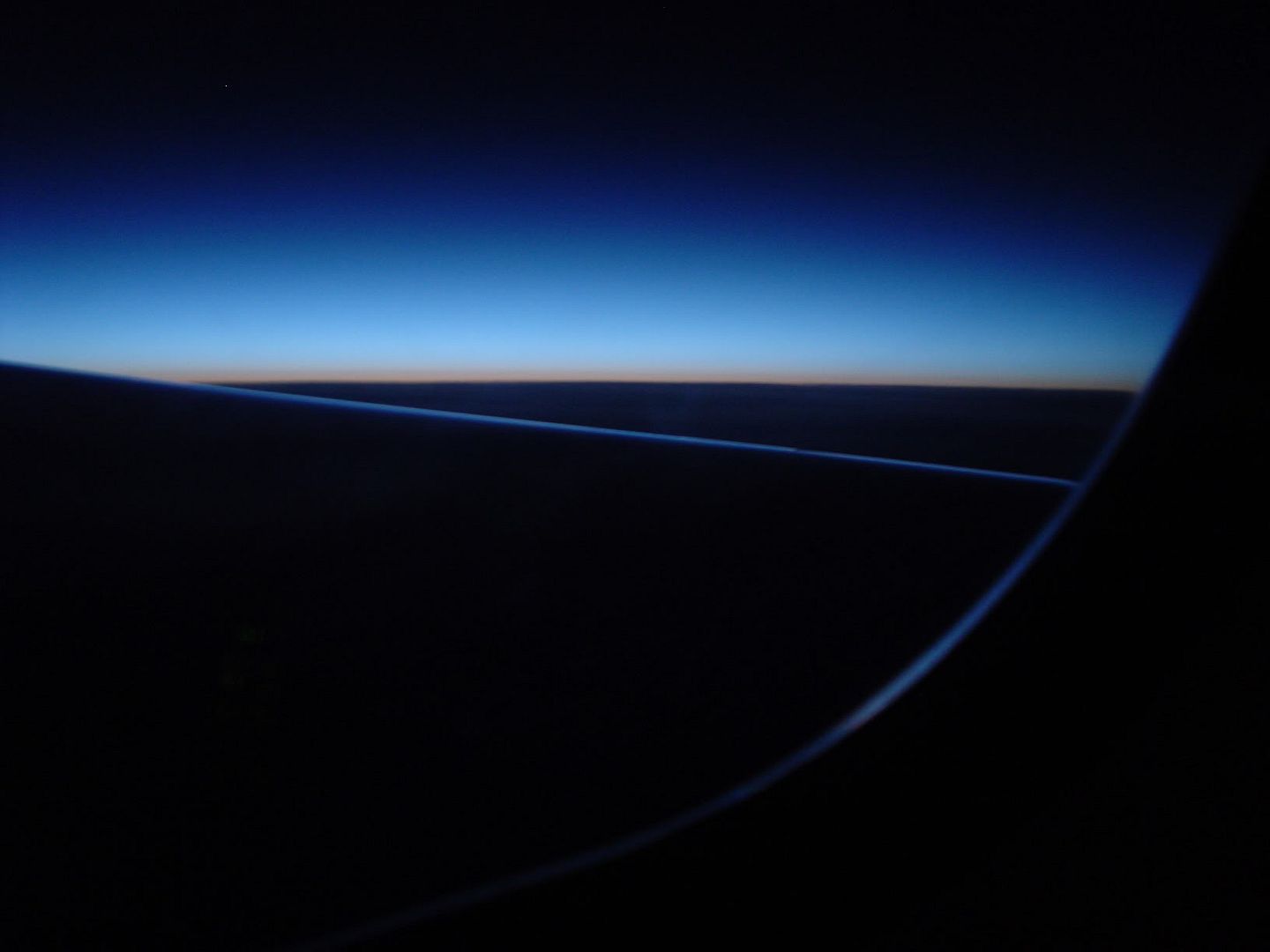
Awesome. That's the third variation I have seen.
Oh well, it looked fine viewed directly using the url in Firefox.
Bizarre.
HA!
Looks OK in the PH post using Firefox! So the problem is AOL 8/IE. But in that case why do all the other shots posted look absolutely fine through the AOL app?
Crazy.
Looks OK with Opera as well.
Time to sleep on this one I think.
>>> Edited by LongQ on Tuesday 22 February 01:17
>>> Edited by LongQ on Tuesday 22 February 01:31
The opportunity just to point and press the button without worrying whether the result will be good or embarrassing has never been more readily available to the keen snapper.
Here is one of my favourites in that the elements seemed to come together without needing any editing.
Abstract gallery anyone?
Edit.
Why does the result from fotango seem to vary so much from one viewing to the next? This looked pretty crap when I first tried it viewing through the fotango browser but a direct access to the link seemed much better.
Now it just looks poor and most of the effect is lost.
OK. I try some other picture hosters and hang their limitations.
Hmm. Let's see what photobucket does to it ...
Awesome. That's the third variation I have seen.
Oh well, it looked fine viewed directly using the url in Firefox.
Bizarre.
HA!
Looks OK in the PH post using Firefox! So the problem is AOL 8/IE. But in that case why do all the other shots posted look absolutely fine through the AOL app?
Crazy.
Looks OK with Opera as well.
Time to sleep on this one I think.
>>> Edited by LongQ on Tuesday 22 February 01:17
>>> Edited by LongQ on Tuesday 22 February 01:31
LongQ said:
Why does the result from fotango seem to vary so much from one viewing to the next? This looked pretty crap when I first tried it viewing through the fotango browser but a direct access to the link seemed much better.
Now it just looks poor and most of the effect is lost.
OK. I try some other picture hosters and hang their limitations.
Email me the pic at andrew.rixon AT kcl.ac.uk and I'll upload it and post here


rico said:
Not a lot of difference from what i can tell. Interesting...
True.
Exactly the same fuzzy and blurry when I view through AOL8.
Fine with Opera or Firefox - although the larger image displays some 'blockiness' in the really dark sections lower left that the photobucket version doesn't. Probably because it's larger?
Ok. I am baffled. I would be happier (if you see what I mean) if all the posted shots exhibited the same problems.
I'll try to make some time to test with another machine (AOL9) tomorrow and see what turns up. (Tomorrow = later today!)
 the image up.
 Could well be this:
in AOL
Customise/preferences/internet properties - never compress graphics.
I gave AOL a really hard time about this over a decade ago - as the default is 'compress all graphics' (ie make them look s**t.
With the emergence of broadband, they now only squash the hell out of dialup.
Of course, it may not be that.
in AOL
Customise/preferences/internet properties - never compress graphics.
I gave AOL a really hard time about this over a decade ago - as the default is 'compress all graphics' (ie make them look s**t.
With the emergence of broadband, they now only squash the hell out of dialup.
Of course, it may not be that.
OK, so 'never compress' and 'always re-read the files' has produced a much better result.
Which just begs the question - why was it that only my posted pics are a problem, not anyone elses?
Maybe something to do with caching from the review after the original upload to the hosting system?
I can sense more experiments coming on but first - lunch!
Which just begs the question - why was it that only my posted pics are a problem, not anyone elses?
Maybe something to do with caching from the review after the original upload to the hosting system?
I can sense more experiments coming on but first - lunch!
getcarter said:
remember when you re-view to "Ctrl F5" or you'll just see the cached version
Yep. But even then I was still seeing the fuzzy images until I deleted them from cache. So I suspect that for some reason it was till not re-reading the files.
That would explain why Opera and Firefox were OK since they do not (AFAIK) share the IE cache.
Of course all this has destroyed the original point of the thread ...
Well, forcing refresh didn't do much and on this machine I couldn't even find all the references to the cache versions.
So, back with AOL8 and the only thing that seems to make a difference is to switch compression off and then force a refresh.
I'm still puzzled as to why no one else's images seem to have the same problems viewed on my systems.
Think I will switch back to use compression and see what happens.
So, back with AOL8 and the only thing that seems to make a difference is to switch compression off and then force a refresh.
I'm still puzzled as to why no one else's images seem to have the same problems viewed on my systems.
Think I will switch back to use compression and see what happens.
Gassing Station | Photography & Video | Top of Page | What's New | My Stuff