
Picture Posting
Discussion


cobra kid said:
furtive said:
You need to upload it to the interweb somewhere
Cheers but stuff that!
It's not hard.
http://ph.uncle-dave.co.uk/upload/
lambochick said:
Most ISP's these days provide you with free web space. You could use that to host your pictures and then link to them to display them here. Otherwise there are picture hosting sites available that will allow you to upload pictures for free.
Such as www.photobucket.com, www.putfile.com and www.cardomain.com. Once uploaded, you can link them willy-nilly.


It doesn't seem to work for me
[pic] http://imagecache2.allposters.com/ima [/pic]
Is that because I'm using Firefox?
[pic] http://imagecache2.allposters.com/ima [/pic]
Is that because I'm using Firefox?
Strawman said:
It doesn't seem to work for me
[pic] http://imagecache2.allposters.com/ima [/pic]
Is that because I'm using Firefox?
[pic] http://imagecache2.allposters.com/ima [/pic]
Is that because I'm using Firefox?
You did not include the full url:

Thanks for the reply tuffer, but whenever I paste the full URL between the {pic} {/pic} it seems to truncate it, but when you right click on the highlighted text you can see the full URL is still there, if that makes any sense 
So when I place the full URL on the post page it appears but on preview or posting it is somehow truncated but the information is still there, how do I prevent the truncation ?
For example
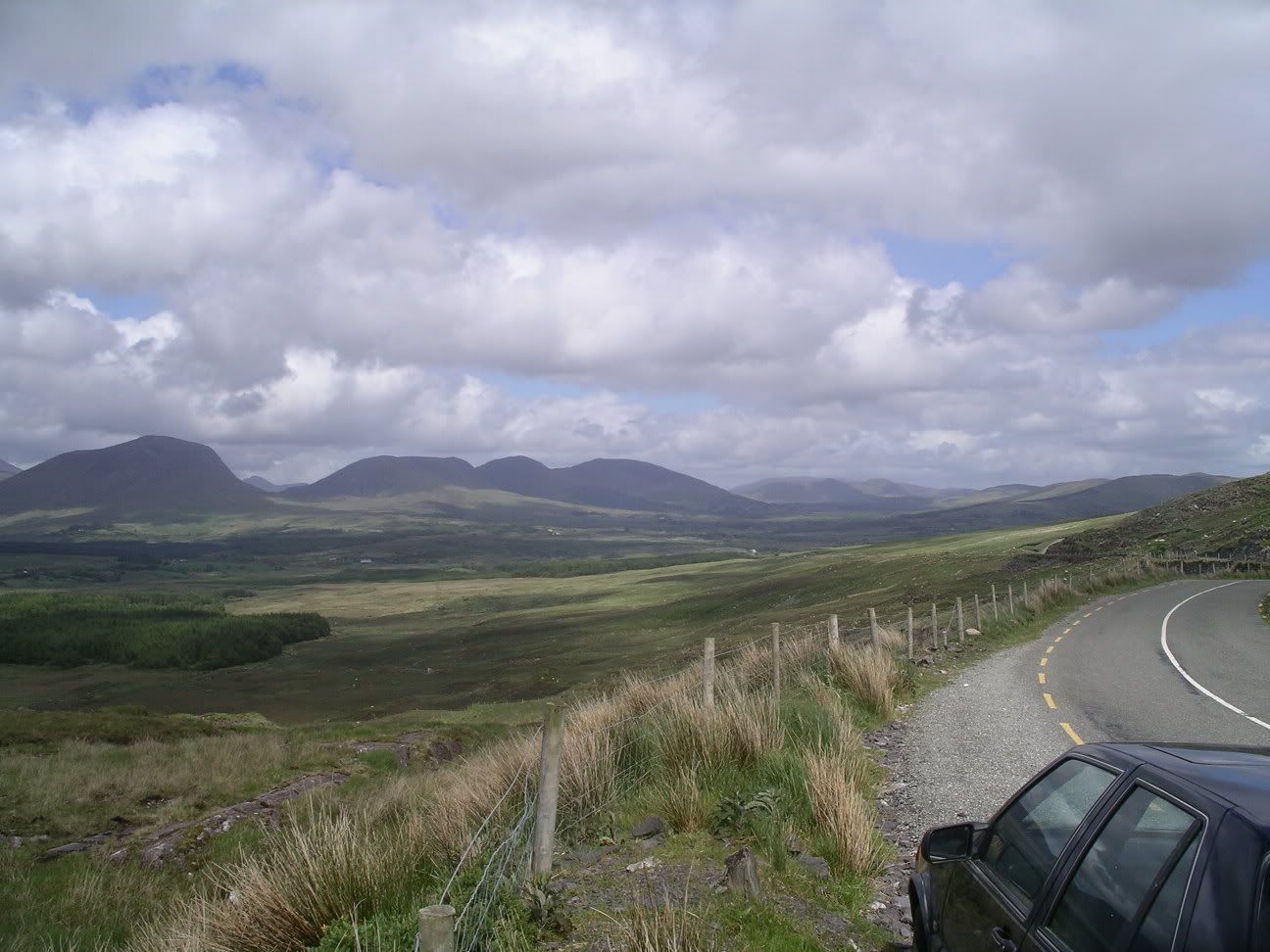
OK I see you can't put spaces between the [pic] and the URL
Thanks
So when I place the full URL on the post page it appears but on preview or posting it is somehow truncated but the information is still there, how do I prevent the truncation ?
For example
OK I see you can't put spaces between the [pic] and the URL
Thanks


Gassing Station | Website Feedback | Top of Page | What's New | My Stuff