
Problem restoring (old-ish) MacBook Air
Discussion


My daughter has an old a MacBook Air. I wanted to pass it on, so erased the hard disk and tried to restore the operating system. It didn’t work.
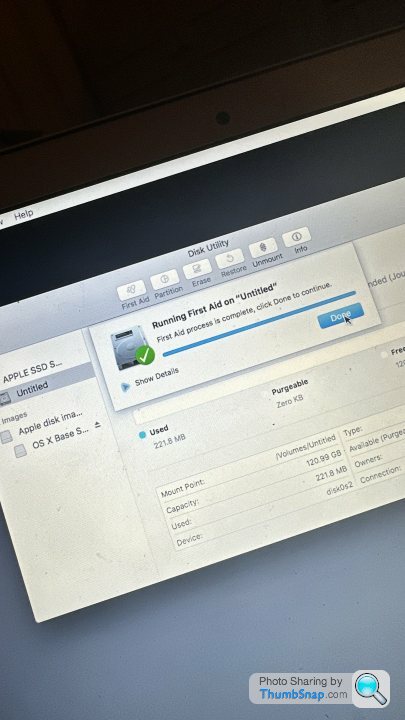
I’ve run disk-aid, cleared the SMC, created a new partition and it just fails at 99%! I’ve tried googling and can’t find a similar problem.
Any suggestions ?
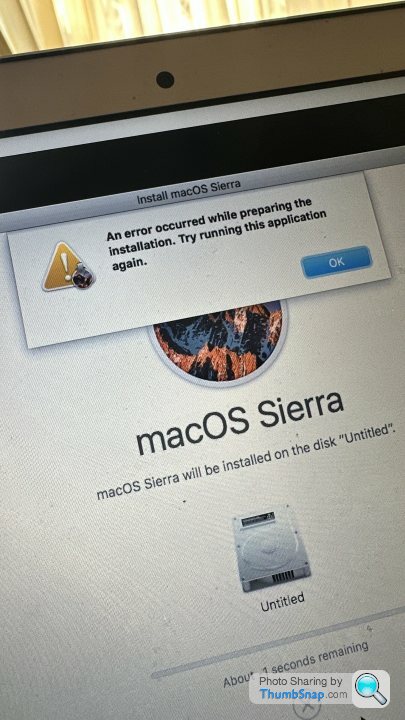
After quite a long time and at 99% :
I’ve run disk-aid, cleared the SMC, created a new partition and it just fails at 99%! I’ve tried googling and can’t find a similar problem.
Any suggestions ?
After quite a long time and at 99% :
I think this is resolved by changing the date on the macbook prior to installing the OS. You actually want it changed to any date from around the time period when Sierra was current. It's something to do with the security certificate which expires the process, so you fool it by temporarily changing the date.
Thank you. Unfortunately from the terminal in recovery mode, the commands don’t appear to be there (from here: https://macosx-faq.com/how-to-change-date-time-ter... ).
Any suggestions how to do this from the recovery terminal ?
Thanks.
Any suggestions how to do this from the recovery terminal ?
Thanks.
Followed instructions here: https://support.apple.com/en-gb/HT201372
Downloaded Mojave for now (only 4gb) and it installed.
Thank you.
Downloaded Mojave for now (only 4gb) and it installed.
Thank you.
Gassing Station | Computers, Gadgets & Stuff | Top of Page | What's New | My Stuff