
New router, can't disable Wifi - Which Faraday Cloth?
Discussion


I switched broadband provider and the new one supplied a Linksys Modem/Router. I would like to use it as a modem only with WiFi disabled, as I already have a mesh network.
Unfortunately there is no option for turning off WiFi, using the Web-UI on 192.168.1.1...
I was thinking of buying something like "Mission Darkness" faraday fabric - will it do the trick?
https://www.amazon.co.uk/TitanRF-Faraday-Fabric-Sh...
Unfortunately there is no option for turning off WiFi, using the Web-UI on 192.168.1.1...
I was thinking of buying something like "Mission Darkness" faraday fabric - will it do the trick?
https://www.amazon.co.uk/TitanRF-Faraday-Fabric-Sh...
Mine doesn't have the option to set it to passthrough/modem only mode myself, but I can get the provider to do it remotely. Might be worth checking if your provider can do the same if your mesh setup has a router mode rather than just access point, as presumably without operating as a router the WIFI would have to be off.
Richyvrlimited said:
h0b0 said:
The router broadcasting wifi isn't your big issue. It doing DNS is going to cause a double NAT conflict and you will wonder why your once stable network is acting funny
Lol has someone learned some IT jargon OK, now that is out of the way. Why did you feel the need to take the tone you did. You had option 1, help. Option 2 be an ass.
Honestly, Pistonheads used to be a mine of information and people willing to help out. We worked together to get a solution. You have been around long enough to appreciate that. Unfortunately, you chose option 2. It is people like you that make knowledgeable contributors give up and leave.
My question for you, do you think your comment benefited the community?
Try harder to be a positive contributor.
Arnold Cunningham said:
Linksys? At the bottom of the web page for the router, hit the CA link which lets you access advanced settings, including turning off the wifi
I'll just quote myself. If it's a linksys router, you can usually hit the "CA" link at the bottom of the page which takes you in to advanced mode and from there you can turn off all the wifi as you wish:h0b0 said:
Nope, I I hold my hands up and recognize its not DNS. A rushed post. But, having been through this myself and helped many on this forum facing network instability I feel confident recommending someone put their router into a bag is not the best advice. A large majority of posts on Pistonheads asking for help with network stability issues stem from double NAT,
OK, now that is out of the way. Why did you feel the need to take the tone you did. You had option 1, help. Option 2 be an ass.
Honestly, Pistonheads used to be a mine of information and people willing to help out. We worked together to get a solution. You have been around long enough to appreciate that. Unfortunately, you chose option 2. It is people like you that make knowledgeable contributors give up and leave.
My question for you, do you think your comment benefited the community?
Try harder to be a positive contributor.
Having spent too much time on too many forums over the years, the best advise I could give to anyone is to not bother responding to anything that isn't positive. Just ignore all the negative stuff - otherwise before you know it you're this person. Been guilty of that many times myself, and sometimes still am, despite my best efforts. OK, now that is out of the way. Why did you feel the need to take the tone you did. You had option 1, help. Option 2 be an ass.
Honestly, Pistonheads used to be a mine of information and people willing to help out. We worked together to get a solution. You have been around long enough to appreciate that. Unfortunately, you chose option 2. It is people like you that make knowledgeable contributors give up and leave.
My question for you, do you think your comment benefited the community?
Try harder to be a positive contributor.
Arnold Cunningham said:
Having spent too much time on too many forums over the years, the best advise I could give to anyone is to not bother responding to anything that isn't positive. Just ignore all the negative stuff - otherwise before you know it you're this person. Been guilty of that many times myself, and sometimes still am, despite my best efforts.
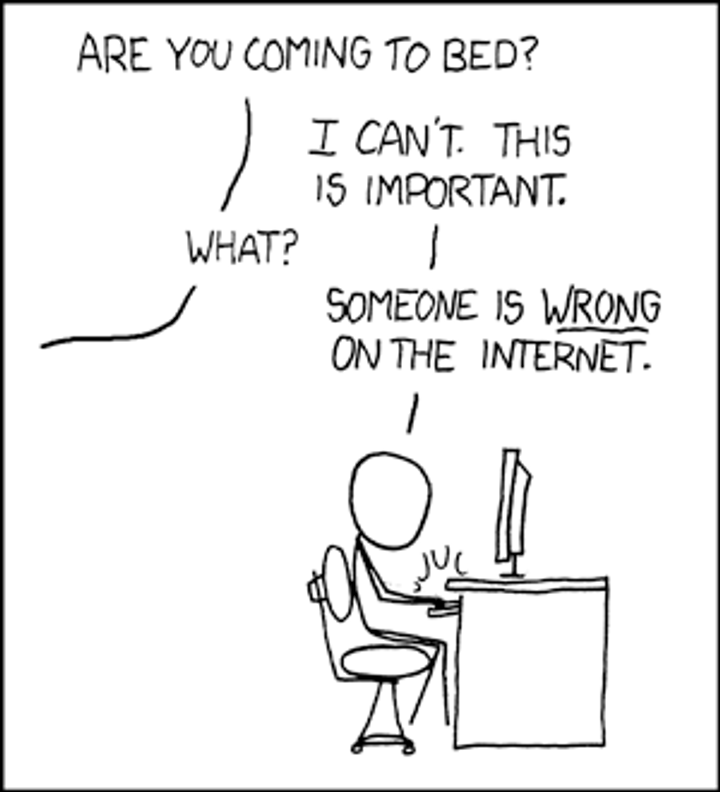
I go through phases on here. I never engage an argument and mostly ignore the negativity. But, I have seen a massive decline in Pistonheads over the last 18 months that has led to the departure of some great posters as they give up. I do not know how to stop the rot so sometimes draw attention to when someone falls below the line in the hope they will take it on board and contribute to saving pistonheads. I do not want to sound dramatic but I have stopped posting as much because of these snarky comments. I know others are the same as we chat outside of pistonheads.Let's try to keep this positive and constructive. I am not saying we should not have fun. But, like I would say to my kids, if it is not a positive comment, it is not nice.
Gassing Station | Computers, Gadgets & Stuff | Top of Page | What's New | My Stuff