
Turning an image partially b&w ?
Discussion


Took some pictures of old fire engines at the weekend, and wanted to mess around with the images a little.
I like the idea of making either the appliance b&w, or the background, I had a mess a go in Picasi, and to be honest am not too happy with the result. I've downloanded gimp, but cannot make head nor tail if the tutorials!
My attempt: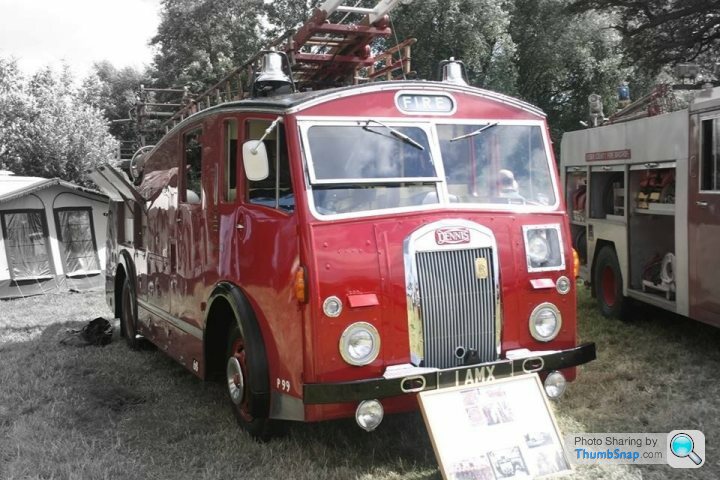
I like the idea of making either the appliance b&w, or the background, I had a mess a go in Picasi, and to be honest am not too happy with the result. I've downloanded gimp, but cannot make head nor tail if the tutorials!
My attempt:
The video tutorials on YouTube are your best bet. It is always easier seeing it done in front of you.
And just practice, that is the only way you will get better.
What may work with the above pic is copy the original pic onto a new layer above it, make it black and white, then reduce the opacity to around 30-50%. That should mute the colours nicely. And a slight vignette (darken round the edges) to take the focus off the tent in the background.
And just practice, that is the only way you will get better.
What may work with the above pic is copy the original pic onto a new layer above it, make it black and white, then reduce the opacity to around 30-50%. That should mute the colours nicely. And a slight vignette (darken round the edges) to take the focus off the tent in the background.


Gassing Station | Photography & Video | Top of Page | What's New | My Stuff