
Making url’s Display as images...
Discussion


With the death of photobucket I have started to use goolgle photo but it won’t provide a link to display as an image, just as direct link to the image. How do I amend the link to display as an image?
https://photos.app.goo.gl/lINeU89i9Yda7Zqk2
https://photos.app.goo.gl/lINeU89i9Yda7Zqk2
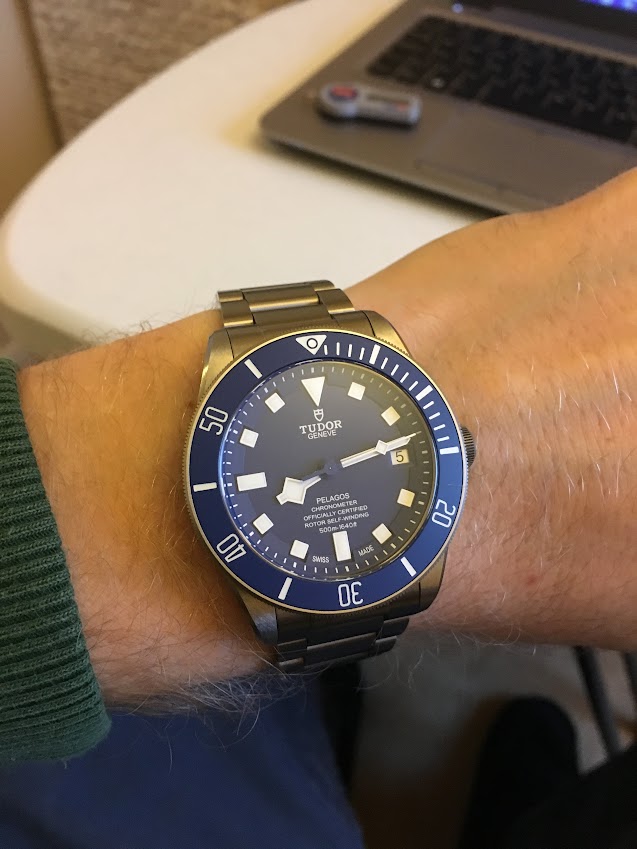
Not elegant, but right click the image, open in new tab and copy the URL.
ETA:
ETA:
[img]https://lh3.googleusercontent.com/-voojPVhcPyBoxjcxbY3gddc9lzzszprcGHKiyrz3z5aq9jqfyD5Krgwiknin26OqgCCvfDboRorQjPHEOy0Bkzj5dEyq_srleK-XNl3AkwiszdJtKyfw03xrde6nYTETMsghx9he1isZqkEHFHpGQYJWD92K2BSVpfa1HOYCi75LlrM6xuMyq7MAEYcALP6hnJTbFo3COizB65ociBMOMIQo2LfTF7iKrixC9AOa4lZg5BDsX8ZNzfEKgTyPVxi76Wku1yCJfCox_VrSWwud6OpNFBQqjByQ4cv-NQcju46JwcebxBTgPxxcAbszFkxWpFfvnQgURjuvGOU7i-Cy0ff24ev01es-qxUUksQE7viLPECFCVgBW5Hyyb3oFujQuc6qWv4AzvNRQjHS_q0VSRhS9tEe93_coYDLldrWWC2pmy2ORb26gWJL_7fNXVkK2cFZhoI1jpQG025ZQDW-RL1Pt1wcLhO3rkus2iGZfYP9FZ8IVZJhIGeAm6nE-18wWJeqVsdpsBZxdV8Y_gn9gVbhLMDYDa7iBeBlSiV3_aghbv0A9jH_Z7lHoxiuufDxK-J93t2JHjoKsAyYt3EFXttbtJmQSHrcKelHMiTk--gyPYKr8gydXEPFRo6yiunbAX4z2UXkaeHaS13wombDZbSv7E646gy-jA=w637-h849-no[/img]
Edited by LordGrover on Tuesday 5th December 10:25

stuno1 said:
With the death of photobucket I have started to use goolgle photo but it won’t provide a link to display as an image, just as direct link to the image. How do I amend the link to display as an image?
https://photos.app.goo.gl/lINeU89i9Yda7Zqk2
1. You need to wrap it in [img] <url> [/img] tags.https://photos.app.goo.gl/lINeU89i9Yda7Zqk2
2. You need to link to the actual image, not a page containing it. To get to the image from that page, right click and open in new tab. Then right click and view image.

Quote this post to see what I mean.
TooMany2cvs said:
1. You need to wrap it in [img] <url> [/img] tags.
2. You need to link to the actual image, not a page containing it. To get to the image from that page, right click and open in new tab. Then right click and view image.
Quote this post to see what I mean.
Perfect! Thanks folks.2. You need to link to the actual image, not a page containing it. To get to the image from that page, right click and open in new tab. Then right click and view image.
Quote this post to see what I mean.
Edited by stuno1 on Tuesday 5th December 10:38
Edited by stuno1 on Tuesday 5th December 10:39

Gassing Station | Website Feedback | Top of Page | What's New | My Stuff