
Just Discovered the Metals Gradient Maps
Author
Discussion

te51cle

Original Poster:

2,342 posts

270 months

Monday 29th August 2005
quotequote all
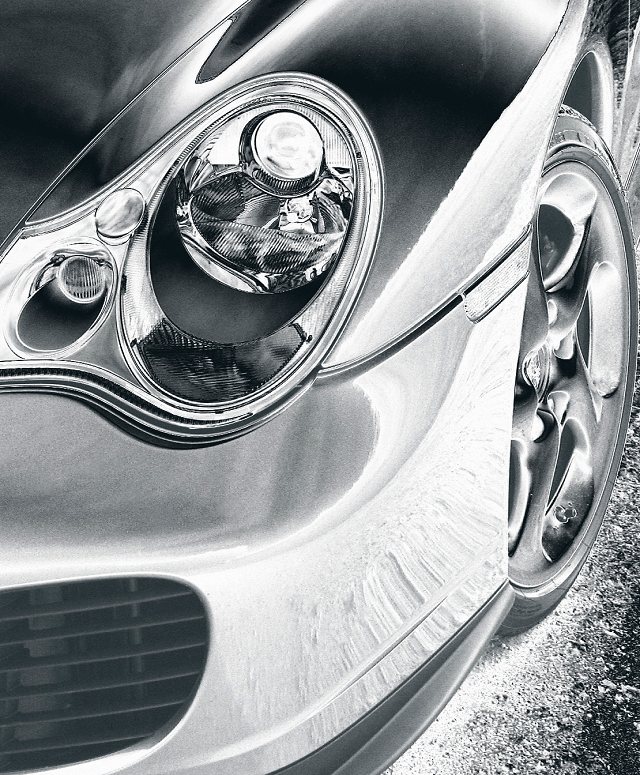
I like them ! Very easy to do this sort of thing though they look better in full size rather than shrunk down to web size:

[pic]http://img.photobucket.com/albums/v693/te51cle/JoesMotor.jpg[/pic]

[pic]http://img.photobucket.com/albums/v693/te51cle/OtherCars.jpg[/pic]

GetCarter

30,657 posts

301 months

Monday 29th August 2005
quotequote all
Nice

It that a CS2 thing? Can't find metal in CS (or is it a plugin?)

Steve

te51cle

Original Poster:

2,342 posts

270 months

Monday 29th August 2005
quotequote all
I'm using Photoshop 7 so it should be in CS. Go to Image->Adjustments-Gradient Map... then click on the triangular down arrow on the right hand side of the gradient, the standard (or last used gradient map) will then appear. If you click on the triangular right arrow in the circle you'll get a list of what's available in the standard presets. Probably better still to do it as an adjustment layer.
GetCarter

30,657 posts

301 months

Monday 29th August 2005
quotequote all
ooooh that's sexy.


Ta for the tip

agent006

12,058 posts

286 months

Monday 29th August 2005
quotequote all
Am i the only one wanting to know how you got a corvette engine into a rover 25?

_dobbo_

14,619 posts

270 months

Monday 29th August 2005
quotequote all
i like it