
RAF Bentwaters - having a snout round...
Discussion


Blagged my way onto the runway & hangar side of the disused RAF Betwaters having a snout round for locations... took loads, will upload more later.
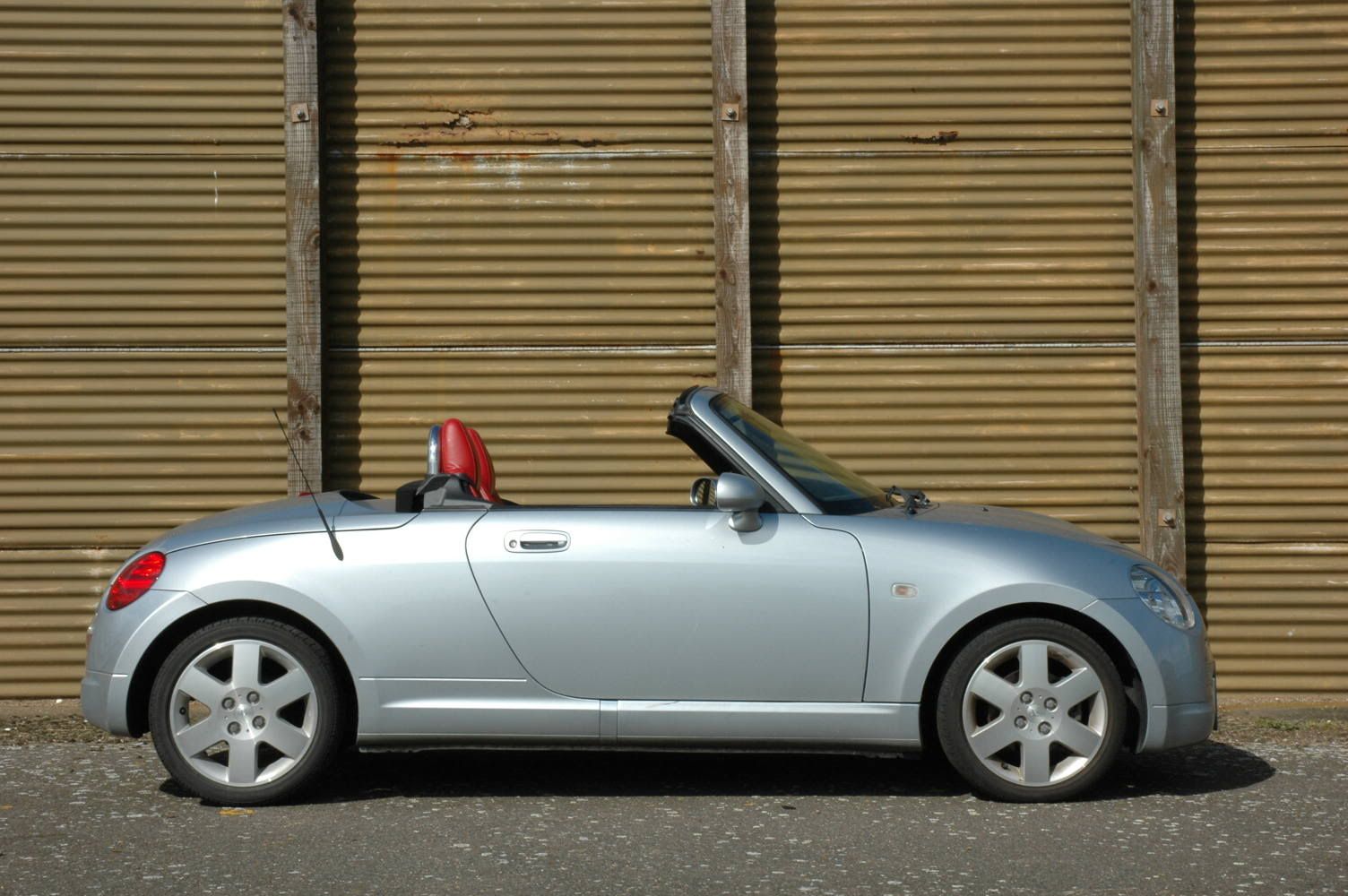
Please excuse the Copen in most of the shots :hehe:
Also, all comments on the processing welcome, as I have just started using Paint Shop Pro X.
[pic]http://i7.photobucket.com/albums/y267/mapey/Hangar1.jpg[/pic]
[pic]http://i7.photobucket.com/albums/y267/mapey/CopenRunway.jpg[/pic]
[pic]http://i7.photobucket.com/albums/y267/mapey/FuelBunker.jpg[/pic]
[pic]http://i7.photobucket.com/albums/y267/mapey/CopenHanger.jpg[/pic]
[pic]http://i7.photobucket.com/albums/y267/mapey/CopenSpotColour1.jpg[/pic]
All comments welcome!
Chris
Please excuse the Copen in most of the shots :hehe:
Also, all comments on the processing welcome, as I have just started using Paint Shop Pro X.
[pic]http://i7.photobucket.com/albums/y267/mapey/Hangar1.jpg[/pic]
[pic]http://i7.photobucket.com/albums/y267/mapey/CopenRunway.jpg[/pic]
[pic]http://i7.photobucket.com/albums/y267/mapey/FuelBunker.jpg[/pic]
[pic]http://i7.photobucket.com/albums/y267/mapey/CopenHanger.jpg[/pic]
[pic]http://i7.photobucket.com/albums/y267/mapey/CopenSpotColour1.jpg[/pic]
All comments welcome!
Chris

Like them - like the perspective: especially in #2 and #3 Fun to be on the learning curve, isn't it? They look pretty good on the screen - in fact, since the first impression is that they haven't been footled around and you can't see the effect of post processing, I reckon that's a pretty good sign that things are going right!
chris.mapey said:
Also, all comments on the processing welcome, as I have just started using Paint Shop Pro X.
Fun to be on the learning curve, isn't it? They look pretty good on the screen - in fact, since the first impression is that they haven't been footled around and you can't see the effect of post processing, I reckon that's a pretty good sign that things are going right!

Great pics, particulalry love the sky
==========
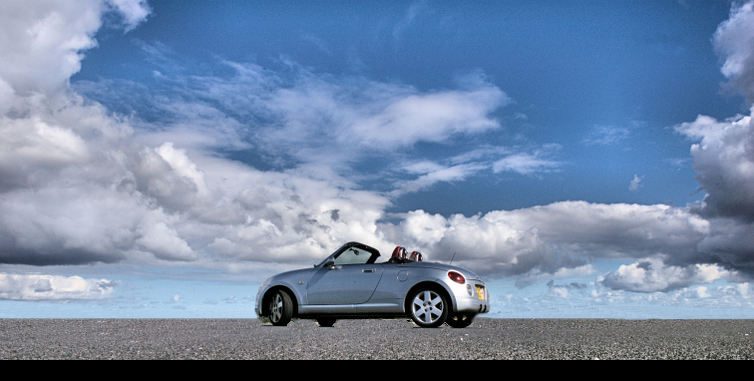
Your edited one I liked until I saw the original, first thing that caught my eye was that it's a real shame to lose the red in the seats

I'm still learning PS all the time myself, so I am by no means no expert. I cant quite work out what you've done, but I'm guessing you used the magic wand tool to select the background then desaturated it? That's probably what I woulda done in my earlier days, anyway.
These days I tend to prefer to take a little more time over it, zoom in so that the pixels are nice and large then using the lasso tool on additive mode cut my way round the car 1 panel at a time. Then put it into subtractive mode and take out all the bits I've gone too far on etc.
Once the cars selected as a mask I then create a new layer from it and name it car.
I repeat this for anything else I don't want desaturated.
Then select the background layer and desaturate.
The above took me about 10 minutes.
Nice pics by the way
==========
Your edited one I liked until I saw the original, first thing that caught my eye was that it's a real shame to lose the red in the seats
I'm still learning PS all the time myself, so I am by no means no expert. I cant quite work out what you've done, but I'm guessing you used the magic wand tool to select the background then desaturated it? That's probably what I woulda done in my earlier days, anyway.
These days I tend to prefer to take a little more time over it, zoom in so that the pixels are nice and large then using the lasso tool on additive mode cut my way round the car 1 panel at a time. Then put it into subtractive mode and take out all the bits I've gone too far on etc.
Once the cars selected as a mask I then create a new layer from it and name it car.
I repeat this for anything else I don't want desaturated.
Then select the background layer and desaturate.
The above took me about 10 minutes.
Nice pics by the way
Some nice pics, and a cool little car.
I like the processing in this one a lot:
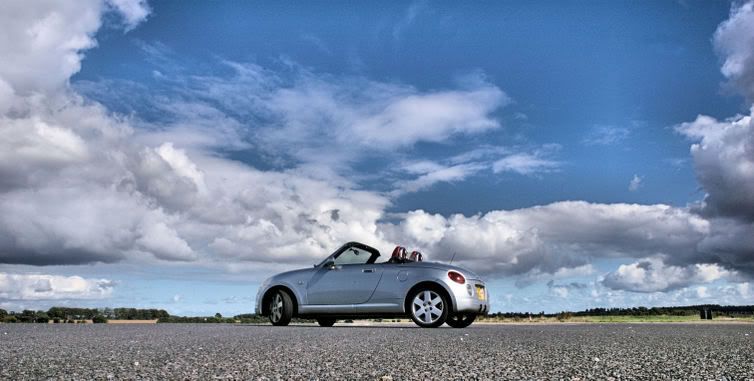
and i also really like the one in front of the hangar. I reckon it would be improved by turning the wheels the other way - but that's just being picky. Actually the one above could have benefited from the wheels pointing the other way as well.
good stuff though, looks like a really good location.
I like the processing in this one a lot:
and i also really like the one in front of the hangar. I reckon it would be improved by turning the wheels the other way - but that's just being picky. Actually the one above could have benefited from the wheels pointing the other way as well.
good stuff though, looks like a really good location.
Gassing Station | Photography & Video | Top of Page | What's New | My Stuff