
Reqd A good anti virus app for Samsung A13
Discussion


Take a screenshot of the message next time you see it and post it on here (use the Upload An Image link when making a post).
If you can't get a screenshot, note down the exact message that it says.
It sounds strange.
What I do see quite a lot on 'free' games and similar are adverts showing scary messages, designed to trick you into downloading other apps.
If you can't get a screenshot, note down the exact message that it says.
It sounds strange.
What I do see quite a lot on 'free' games and similar are adverts showing scary messages, designed to trick you into downloading other apps.
Edited by budgie smuggler on Tuesday 30th June 14:16
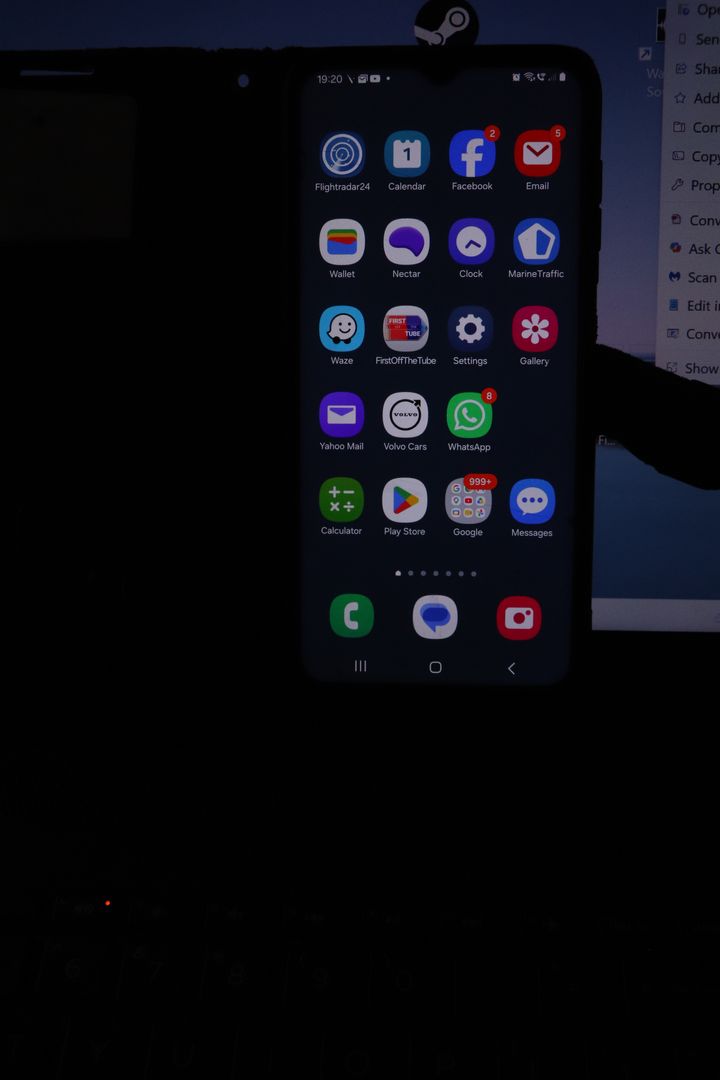
These are some pics i have just taken of the phone. i have not touched the phone.between pics so i am totally bewildered.
I have had some other screens that didnt appear in this little photoshoot.. one was of a close up of an orange advocating a google zoom feature.There have been other 'virus' warnings one that had the little android thingy with a scrolling impending doom message message a la Star Wars script
I will try and get the pictures in one post..otherwise it will be a single shot per post.
first 'home' screen
second then this screen pops up and is the one that is the most common, i just wipe it but it will return within 10sec, and just buggers up my dealing with my accounts etc
If i do nothing, the screen goes blank then black and this tiktok scren appears ( i have not got a tiktok app!!!)
I have had some other screens that didnt appear in this little photoshoot.. one was of a close up of an orange advocating a google zoom feature.There have been other 'virus' warnings one that had the little android thingy with a scrolling impending doom message message a la Star Wars script
I will try and get the pictures in one post..otherwise it will be a single shot per post.
first 'home' screen
second then this screen pops up and is the one that is the most common, i just wipe it but it will return within 10sec, and just buggers up my dealing with my accounts etc
If i do nothing, the screen goes blank then black and this tiktok scren appears ( i have not got a tiktok app!!!)
The only thing i can think of ,is doing another factory reset, which i did do a few weeks ago when this started, and instead og transferring en masse all the apps reload them one by one. until i get that damn first Keyboard screen back, then another factory reset and dont re install the app!!
Or would the virus checker Avast as mentioned by Blibhave anybenefit
Or is there any suggestions?
Or would the virus checker Avast as mentioned by Blibhave anybenefit
Or is there any suggestions?
To me it looks like one of your apps, probably a game or puzzle is throwing up pretend virus infection messages.
This is in the hope of either getting you to purchase a fake virus checker from the link provided, or steal your payment details.
Either way it’s unlikely your device is infected as such, more the game is a cover for a scam.
I would delete all your non essential apps and see if the problem disappears.
Whatever you do don’t follow any links to another third party app / website from those games, especially the ones that are shown in you pictures (inova-lab.com) and the virus download app.
This is in the hope of either getting you to purchase a fake virus checker from the link provided, or steal your payment details.
Either way it’s unlikely your device is infected as such, more the game is a cover for a scam.
I would delete all your non essential apps and see if the problem disappears.
Whatever you do don’t follow any links to another third party app / website from those games, especially the ones that are shown in you pictures (inova-lab.com) and the virus download app.
Gassing Station | Computers, Gadgets & Stuff | Top of Page | What's New | My Stuff