
picture project help
Discussion


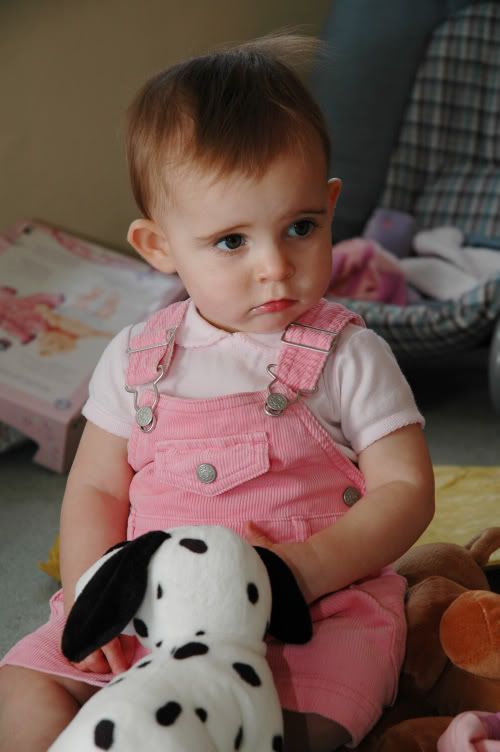
took a pic, auto enhanced, saved it in Pic project last saved. sofarysogoody.
export jpeg to another folder but its the original pic not the enhanced one that gets transfered?
I cant seem to save the enhanced pic ouside of picture project? help!! whats going wrong?
>> Edited by superlightr on Monday 24th October 20:28
export jpeg to another folder but its the original pic not the enhanced one that gets transfered?
I cant seem to save the enhanced pic ouside of picture project? help!! whats going wrong?
>> Edited by superlightr on Monday 24th October 20:28



superlightr said:
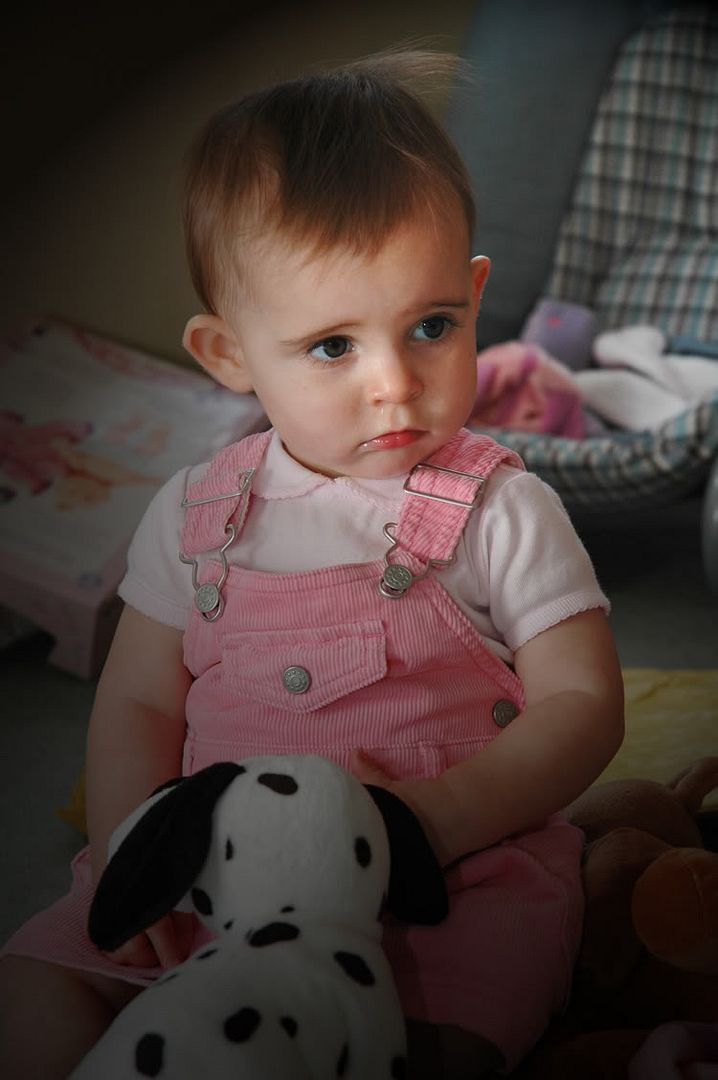
I will post a result of my PS effort.
Looks good to me - even better if you could enhance the background to a complete blur - or something completelty different.
I would guess that your original problem may have been that the edited file is, by default, saved as some proprietory format with a different file extension. Serif Photo Plus does that for example. You may be able to do a 'save as' though, rather than just a 'save'.
Could be wrong, I don't know the product you were using.
thanks for the replies.
I tried an auto enhance in a Nikon Picture project software but could not save/save as/copy the enhanced pic.
so went to Photoshop and ajdusted the "curves' settings then the light settings.
dont know why the 3rd pic is shown larger then the rest. But on a full screen the pic looks better in any event. I think the pistonhead auto size does butcher the pic as well as I can!
>> Edited by superlightr on Monday 24th October 21:41
I tried an auto enhance in a Nikon Picture project software but could not save/save as/copy the enhanced pic.
so went to Photoshop and ajdusted the "curves' settings then the light settings.
dont know why the 3rd pic is shown larger then the rest. But on a full screen the pic looks better in any event. I think the pistonhead auto size does butcher the pic as well as I can!
>> Edited by superlightr on Monday 24th October 21:41
Gassing Station | Photography & Video | Top of Page | What's New | My Stuff