
Slides - Printer / Sacnner
Discussion


I have a lot of slides in storage from when I was touring with Genesis.
Can anyone recommend a good way to get them on to my pc via a scanner / printer?
I don't want to spend a fortune as these will be the only slides I need doing,
but they are naturally too valuable and confidential to send away.
Thanks in advance.
Can anyone recommend a good way to get them on to my pc via a scanner / printer?
I don't want to spend a fortune as these will be the only slides I need doing,
but they are naturally too valuable and confidential to send away.
Thanks in advance.
Cuban said:
I have a lot of slides in storage from when I was touring with Genesis.
Can anyone recommend a good way to get them on to my pc via a scanner / printer?
I don't want to spend a fortune as these will be the only slides I need doing,
but they are naturally too valuable and confidential to send away.
Thanks in advance.
If we're talking 35mm slides I got an Epson perfection v700 Can anyone recommend a good way to get them on to my pc via a scanner / printer?
I don't want to spend a fortune as these will be the only slides I need doing,
but they are naturally too valuable and confidential to send away.
Thanks in advance.
http://www.photo-i.co.uk/News/Feb06/Epson_V700_sca...
its great super quality and easy to use but I have to say it will take quite a while if you have loads eve though you can do 12 at a time. depending on which scan options/quality you select those 12 will take 45mins or so... I chose this over a dedicated slide scanner just for versatility..
I can't remember what it cost but it was cheaper than sending the slides I already had off, and now I seem to have a job for life scanning the whole families slides

I'm using a Plustek OpticFilm 7200, which is fine. Got it new for around £100.
Dedicated scanner, 4 slides in a tray, you manually have to move the tray after each slide is scanned.
I don't scan anywhere near the top quality, so takes about a minute per slide.
The software is pretty easy to use, with some useful presets to lighten / darken / change contrast quickly.
Need to make sure the slides are very clean (obviously!).
Here's an example.
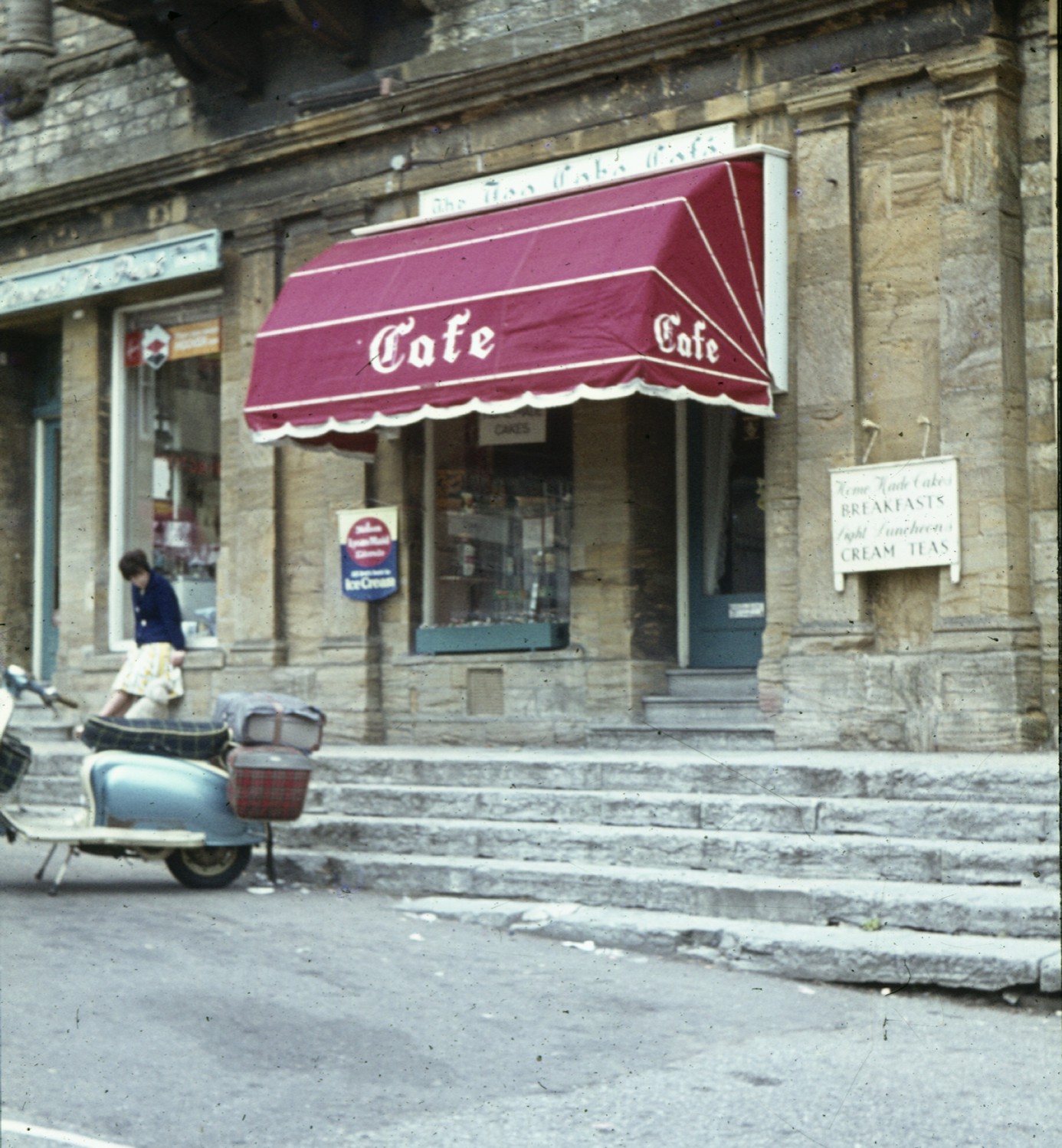
Dedicated scanner, 4 slides in a tray, you manually have to move the tray after each slide is scanned.
I don't scan anywhere near the top quality, so takes about a minute per slide.
The software is pretty easy to use, with some useful presets to lighten / darken / change contrast quickly.
Need to make sure the slides are very clean (obviously!).
Here's an example.
Well it does have some image correction, but my patience didn't allow me to do it, would have taken much more time I think. They don't call me "half a job" for nothing!
There's some on the correction it does have here:
http://www.ephotozine.com/article/Plustek-OpticFil...
There's some on the correction it does have here:
http://www.ephotozine.com/article/Plustek-OpticFil...
Gassing Station | Photography & Video | Top of Page | What's New | My Stuff