
Pics at the Pod
Discussion


Instructions for pic posting contained in FAQ's.
Just for you,
Posting Pictures
First, you will need somewhere on the internet to put your pictures. One popular site is photobucket . Open an account (it's free) and upload your pictures as instructed.
Next, create a post on here as normal and insert the URL of the picture (underneath each picture in your album) using the format [img] ..link... [/img]
Just for you,
Posting Pictures
First, you will need somewhere on the internet to put your pictures. One popular site is photobucket . Open an account (it's free) and upload your pictures as instructed.
Next, create a post on here as normal and insert the URL of the picture (underneath each picture in your album) using the format [img] ..link... [/img]


Basically get the URL and just put IMG at the start and /IMG at the end both enclosed in square brackets [img etc
(img)http://path.to.img.jpg(/img)
just swap ( for square bracket.
I use http://www.picoodle.com/ to host
(img)http://path.to.img.jpg(/img)
just swap ( for square bracket.
I use http://www.picoodle.com/ to host
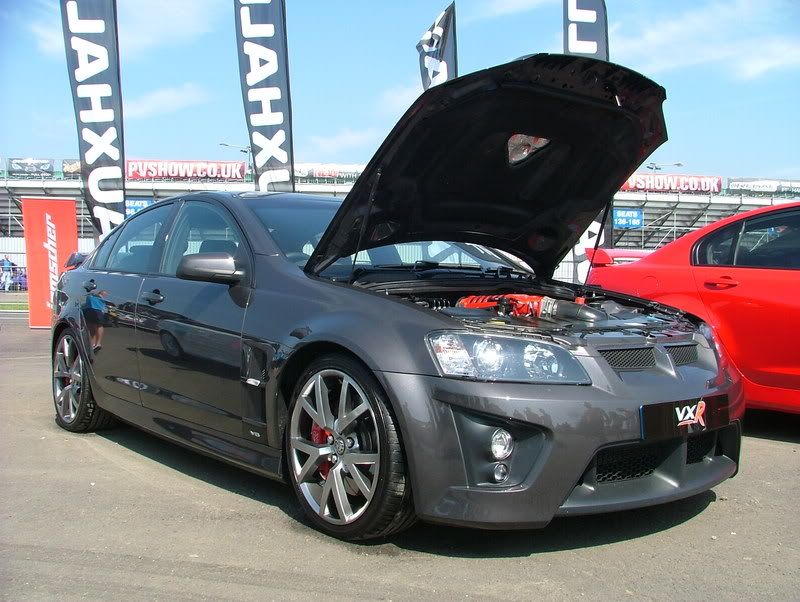
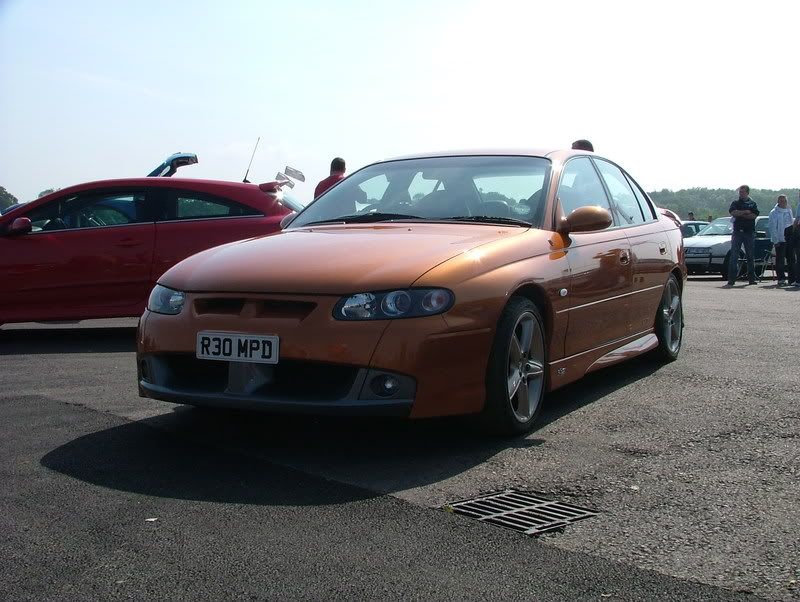
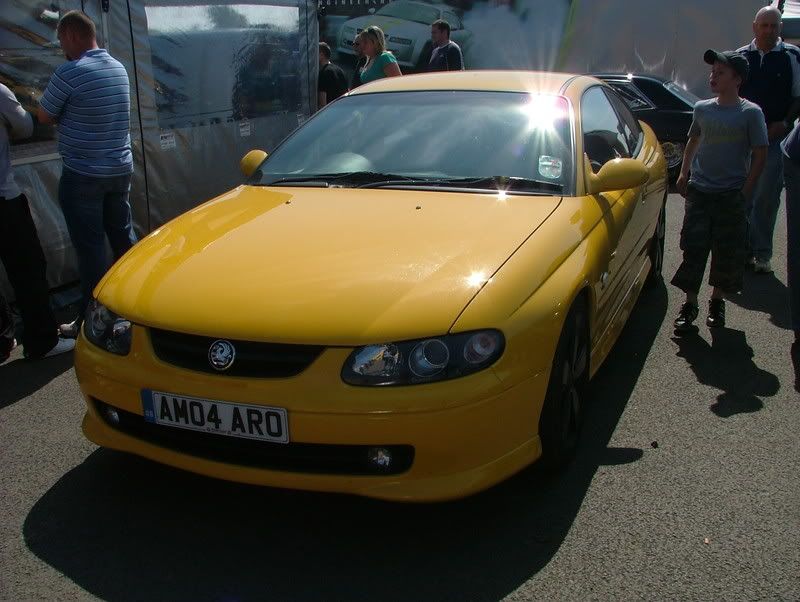
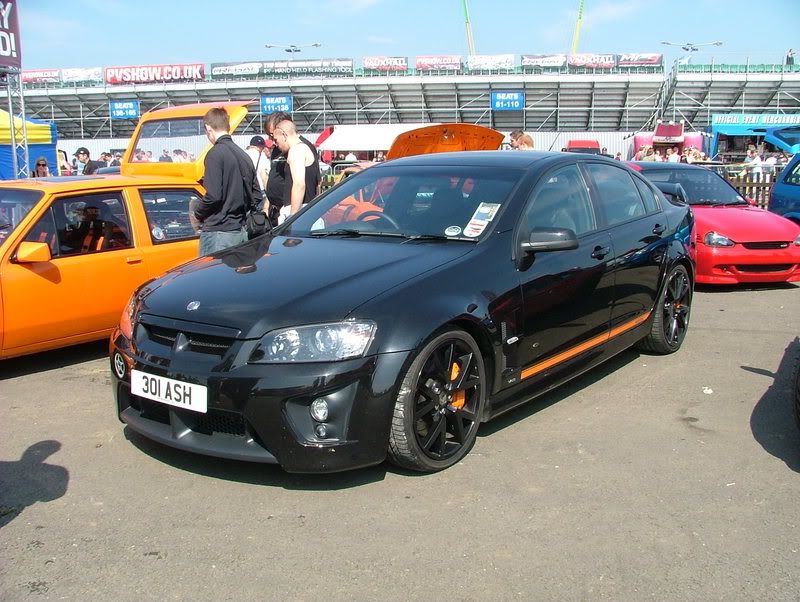
[quote=Bonnie&Clyde]Nope still workin on it. These pics will be on by the end of the night if it kills me.[/quote]
1. Register with Photobucket
2. login and upload your images
3. in your photobucket album youshould now see your pics
4. at the bottom of each pic is a list of codes like web addresses click on the IMG code
and it will pop up "copied"
5. go to your forum and post the code into the box where you right your posts
6. Done
1. Register with Photobucket
2. login and upload your images
3. in your photobucket album youshould now see your pics
4. at the bottom of each pic is a list of codes like web addresses click on the IMG code
and it will pop up "copied"
5. go to your forum and post the code into the box where you right your posts
6. Done
Gassing Station | HSV & Monaro | Top of Page | What's New | My Stuff