
Shooting high speed targets
Discussion


Hi all.
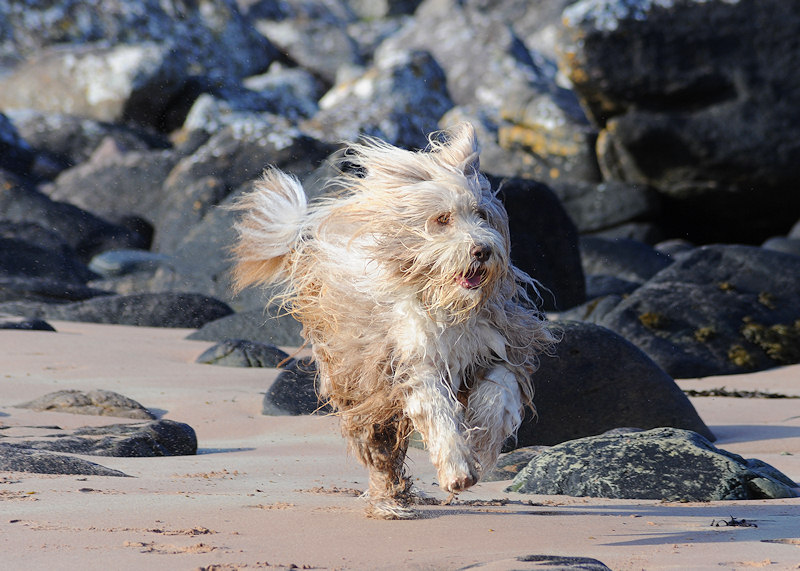
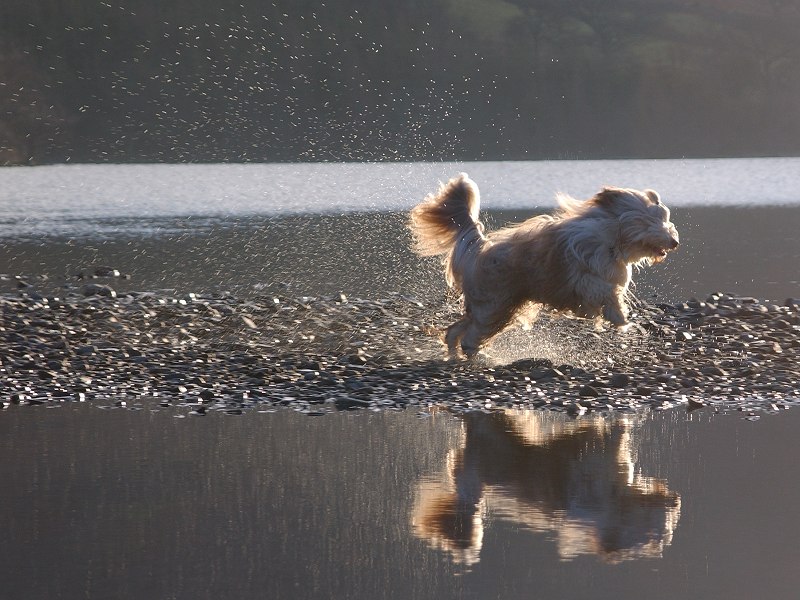
I want to get some good action shots of my dog. My friend has leant me his camera as its better than mine. I'm new to this so don't know which settings are best for taking high speed photos. I have tried leaving it on auto and set to sports mode but every shot is blurry.
The camera is a Nikon D80 with a Nikon DX AF-S NIKKOR 18-135mm 1:3.5-5.6G ED lens.
any help/ tips much appreciated
I want to get some good action shots of my dog. My friend has leant me his camera as its better than mine. I'm new to this so don't know which settings are best for taking high speed photos. I have tried leaving it on auto and set to sports mode but every shot is blurry.
The camera is a Nikon D80 with a Nikon DX AF-S NIKKOR 18-135mm 1:3.5-5.6G ED lens.
any help/ tips much appreciated
At its simplest level - if it has a shutter priority mode (S or Tv) you should use that - then set the shutter speed, depending on how fast the object is, what kind of effect you want etc, but a fairly high figure of 1000+ should make sure you get no blur, but try playing with that setting. Also try "panning" with the dog while shooting.
Edited by GreigM on Sunday 5th December 13:55
GreigM said:
Also try "panning" with the dog while shooting.
I was going to suggest panning until I thought about it, the dog's legs will be moving separately to its forward movement so I don't think it will work, it's not like a car where the whole shape doesn't change, just its direction.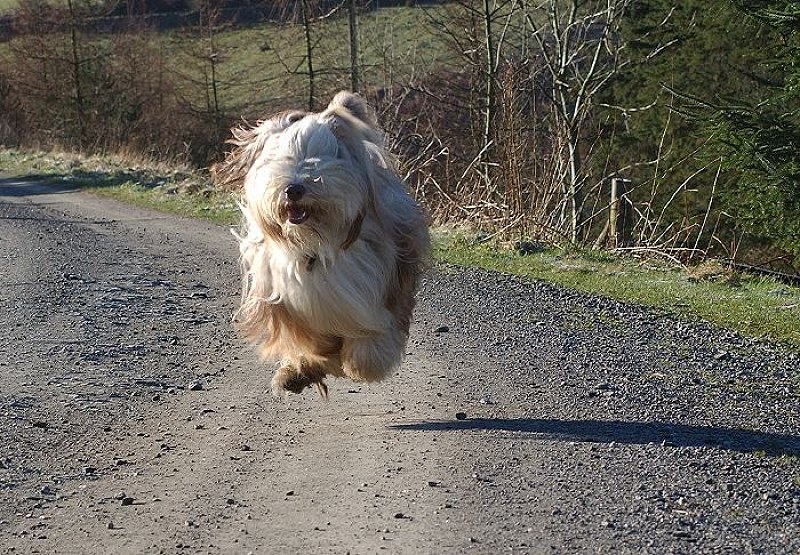


markmullen said:
GreigM said:
Also try "panning" with the dog while shooting.
I was going to suggest panning until I thought about it, the dog's legs will be moving separately to its forward movement so I don't think it will work, it's not like a car where the whole shape doesn't change, just its direction.Panning can work with animals, the blur of the movement of the legs just adds to the sense of speed. As an example, here's a shot I took at a horse trial:

Blenheim Palace by muddy_defender, on Flickr
Blenheim Palace by muddy_defender, on Flickr

Gassing Station | Photography & Video | Top of Page | What's New | My Stuff